
Asset Giant joins customers, jobs and equipment into one simple chain, so you travel from a client, to their job, to the exact kit on that job — and back. What used to mean cross-referencing three systems becomes a single click.
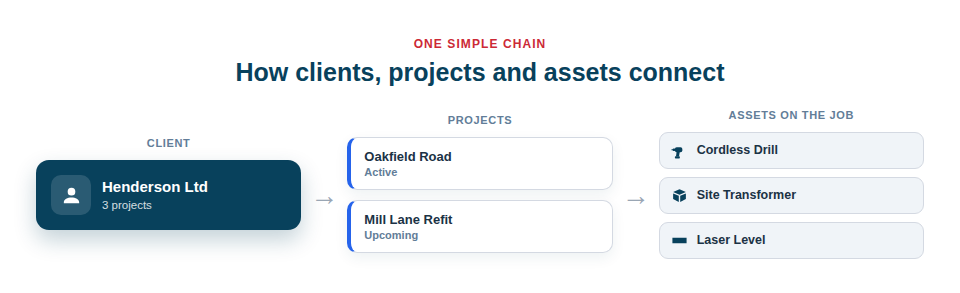
One simple, powerful chain
The relationship is deliberately easy to grasp, because clarity is what makes it useful:
- A client can have many projects — every job you’ve taken on for that customer over time.
- A project can have many assets assigned to it — the tools and equipment committed to that job.
- So you can ask, and instantly answer, questions like “what kit is on the Oakfield Road job?” or “what have we got out with this client at the moment?”
Assigned vs booked
Two ideas are easy to mix up, so Asset Giant keeps them clearly separate:
- Assigned means an asset is committed to a project right now — one project at a time, with no dates. It answers “what’s on this job today?”
- Booked means it’s reserved for a project over a date range on the calendar, and the same asset can be booked for many projects and dates. It answers “what’s lined up for next week?”
The two join up automatically: when a confirmed booking’s start date arrives, the asset’s project, client and location update to match it — so today’s reality keeps in step with your plan. See The Asset Booking Calendar.
Why the connections matter
The value of the chain is that nothing falls through the cracks. Every piece of equipment is traceable to a job and a customer, which is invaluable for billing accuracy, for recovering kit when a job ends, and for simple accountability when something goes astray. It also means you can answer a customer’s question on the spot — what was installed, when, and what’s currently on their site — which is the kind of responsiveness that wins repeat work.
Because the links are live, they stay useful as things change:
- Set up clients and projects, and assign assets to the relevant project.
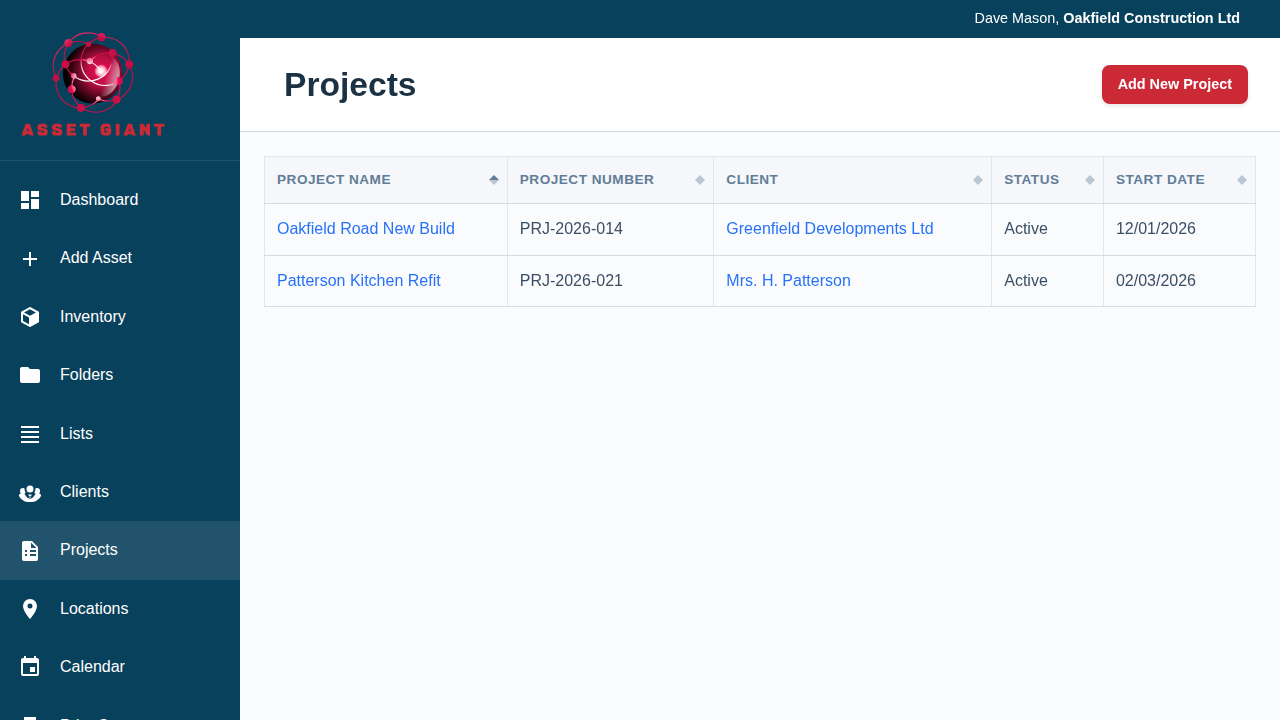
- Navigate from any starting point — open a client to see their jobs and kit, or open a project to see its client and equipment.
- Rely on the connections for billing, recovery and clear answers, rather than reconstructing them by hand.
Best Practice: Assign assets to a project as they go out to the job, not at the end. Keeping the links current as work happens is what makes the “what’s on this job?” answer trustworthy when you actually need it.
To understand the model fully, see See Which Job and Which Customer a Tool Is On.