
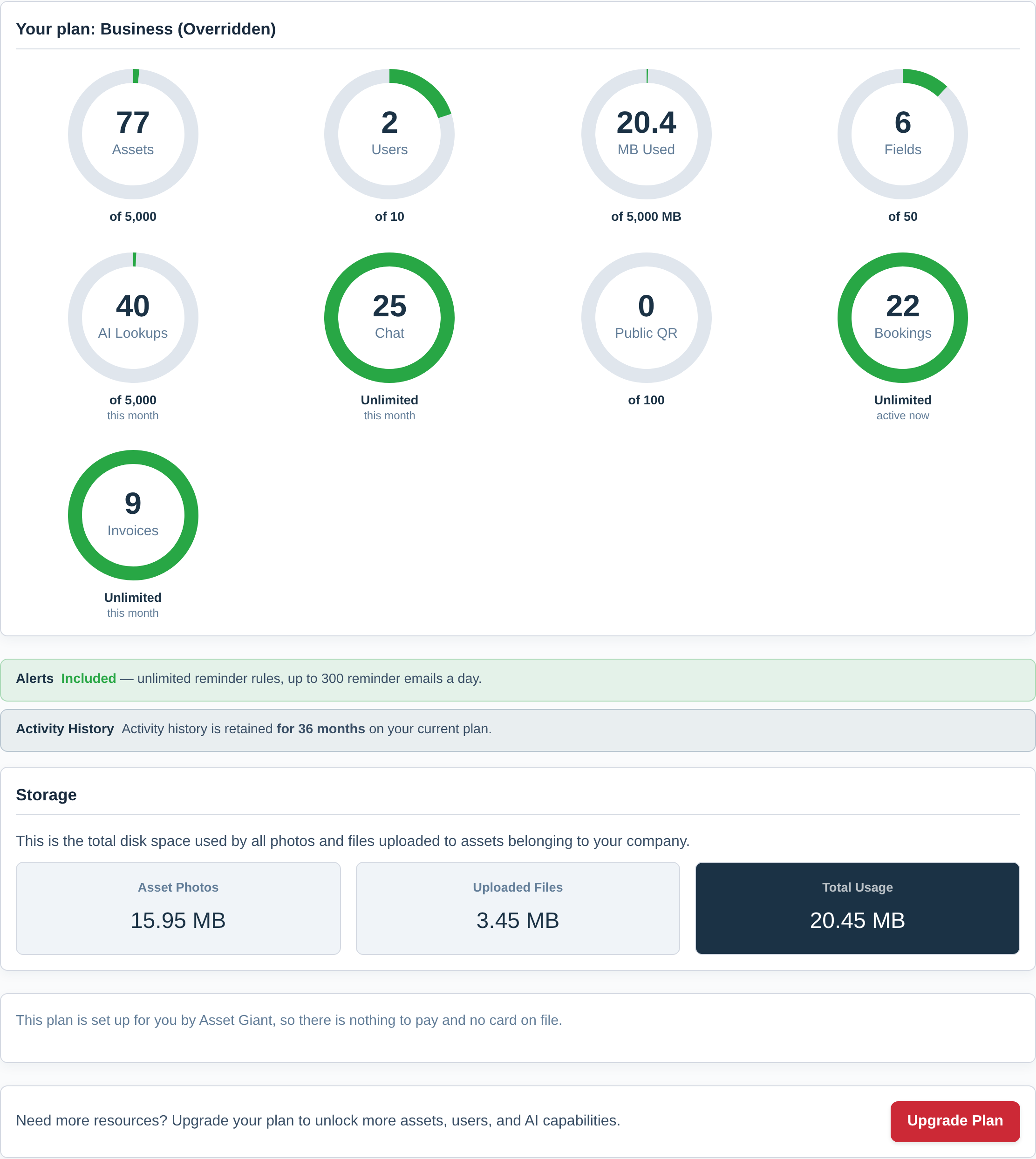
Each Asset Giant subscription plan comes with a set of usage limits. These define how many assets you can create, how many users you can invite, and how much storage you can use. You can view your current usage at any time on your A Quick Tour of Your Dashboard or in the Check Your Plan, Your Usage and What You Can Add.
What Happens if I Exceed My Asset Limit?
We know that your work can’t stop just because you hit a subscription limit. That’s why Asset Giant uses a “soft limit” or “fuzzy access” model designed to keep your business running while encouraging you to upgrade.
Let’s say your plan limit is 100 assets, but you currently have 110 in your inventory. Here is what happens:
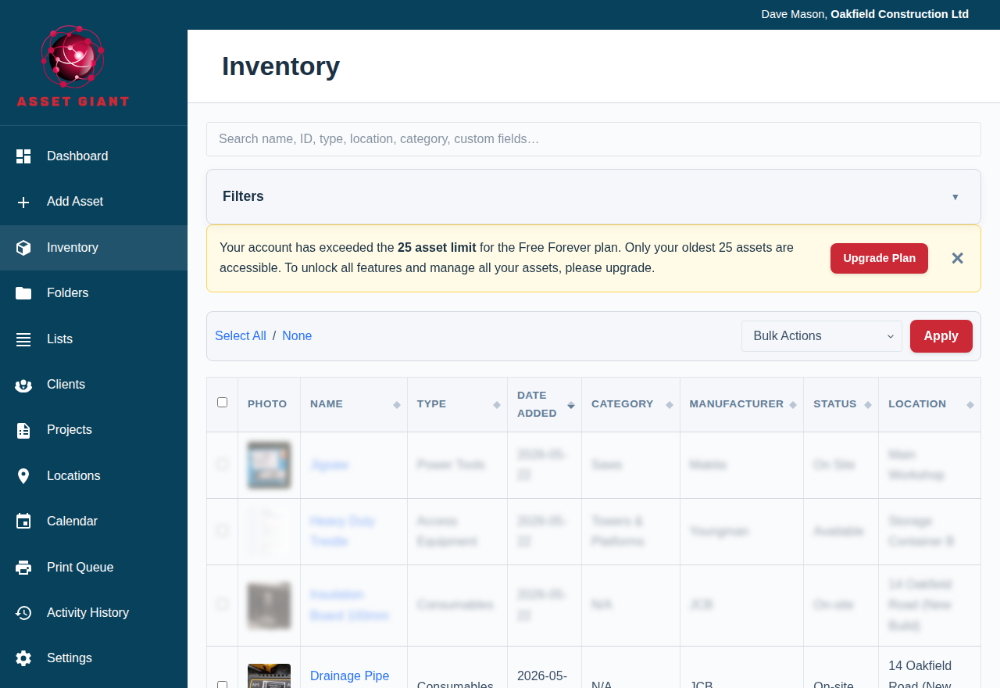
- You will be blocked from adding new assets. The “Add Asset” button will be disabled, and a banner will appear explaining that you’ve reached your limit.
- Your oldest assets remain fully accessible. You will still have full read/write access to your first 100 assets (based on the date they were created). You can edit, move, and manage them as normal.
- Your newest assets become “inaccessible.” The 10 assets you added most recently (assets 101 through 110) will appear blurred out in the inventory list. You will not be able to click on or edit them.
Why Does It Work This Way?
This model ensures your critical, historical data is never lost or held hostage. You can continue to manage the bulk of your inventory. Your data is always safe, and it’s never deleted by us.
How to Regain Full Access
You have two options to regain full access to all your assets and add new ones:
- Delete older assets: You can delete some of your older, archived assets to bring your total count back under the limit.
- Upgrade your plan: The fastest way is to click the “Upgrade plan” button. As soon as your plan is upgraded, all your assets will become instantly accessible again.