
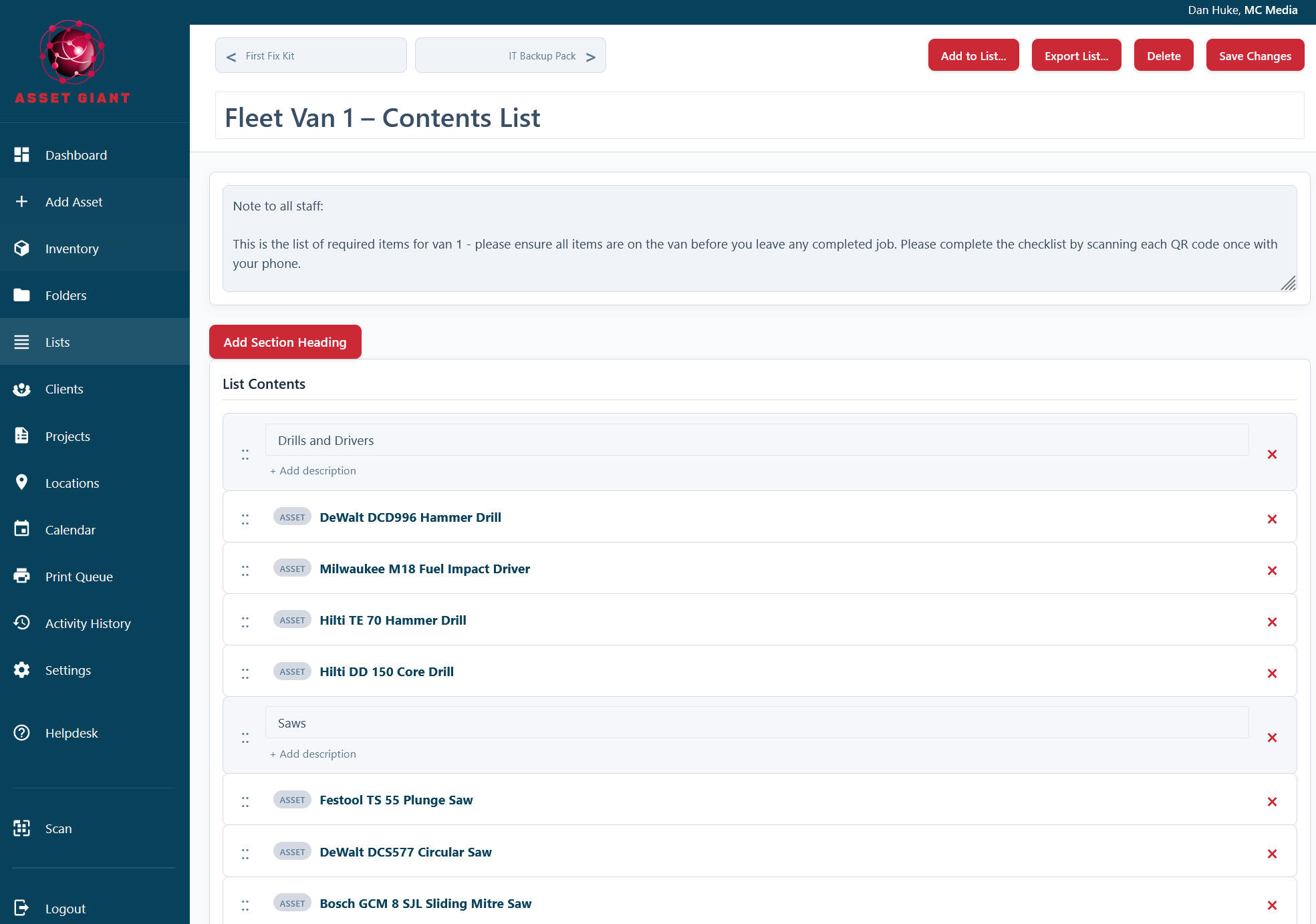
While Lists are great for grouping assets, their ability to include Section Headings and be reordered unlocks a powerful secondary use: creating structured documents and checklists.
The Concept: Sections as Checklist Items
Instead of just adding assets to a list, you can build a list that consists mostly of Section Headings. Each heading can represent a step in a process, a safety check, or a topic for discussion.
Example 1: Vehicle Daily Inspection Checklist
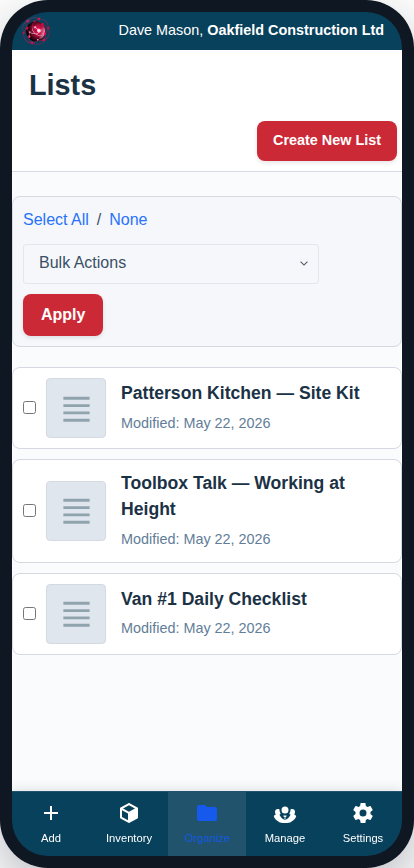
You can create a reusable “template” list that your drivers can refer to every morning.
- Create a new list named “Daily Van Inspection Checklist”.
- Instead of adding assets, click “Add Section Heading” multiple times.
- For each section, enter a checklist item as the title.
- Title: “Check tyre pressure and condition”
- Title: “Verify all lights are working (headlights, indicators, brake lights)”
- Title: “Check oil and washer fluid levels”
- Title: “Confirm first aid kit and fire extinguisher are present”
- You can then add a specific asset to the list, like the “Ford Transit Van #1” asset itself.
- Finally, you can export this list as a PDF to create a formal checklist document.
Example 2: A “Tool Box Talk” for a Specific Job
Before starting a hazardous job, you can create a list to serve as the agenda for your safety meeting.
- Create a new list named “Tool Box Talk: Working at Height – Job #123”.
- Add Section Headings for your talking points:
- Title: “Site-Specific Hazards Identified” -> Description: “Overhead power lines, uneven ground.”
- Title: “Required PPE” -> Description: “Hard hats, harnesses, and safety glasses must be worn at all times.”
- Title: “Ladder Inspection” -> Description: “Confirm all ladders have been inspected before use.”
- Title: “Emergency Procedures” -> Description: “First aid station is located in the site office. Muster point is by the main gate.”
- Add the specific assets being used on that job (e.g., “Extension Ladder #3,” “Scaffold Tower #1”) to the list.
By using lists in this way, you can go beyond simple inventory tracking and integrate safety and operational procedures directly into your Asset Giant workflow.