
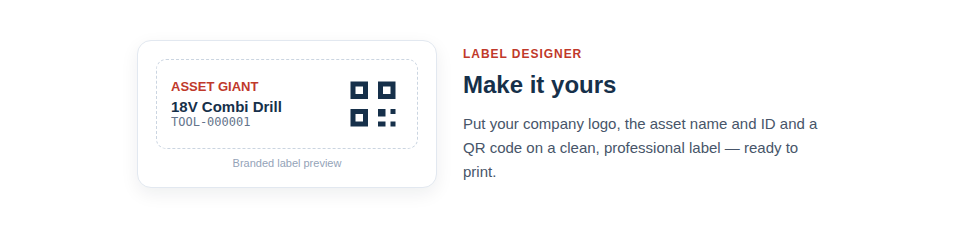
Design clean, branded labels with your logo, the item’s details and a scannable code — no design software, no fiddly layout. The built-in designer gives your whole fleet a consistent, professional look.
Make labels that work as hard as you do
A good asset label has to do two jobs at once — be useful to your team and presentable to the world — and the designer lets you balance both:
- Add your branding. Put your company logo on every label so your kit looks unmistakably yours.
- Choose what to show. Display the asset name, its ID and the QR code together, so a label is informative even before it’s scanned.
- Pick the right size. Design for standard label sheet formats, so what you create maps exactly onto the labels you buy.
From design to a print-ready PDF in minutes
The designer’s real value is that it removes the tedium and trial-and-error of laying out labels yourself. You decide on the content and size once, and the system produces a clean, correctly-positioned PDF you can send straight to a printer. There’s no nudging text boxes around, no labels printing half off the edge, and no wasted sheets.
In practice the journey from “untracked tools” to “professionally labelled fleet” is short:
- Set your label content and choose a sheet size.
- Add the assets you want to label to the print queue.
- Generate the print-ready PDF and print onto your label sheets.
- Peel, stick, and start scanning.
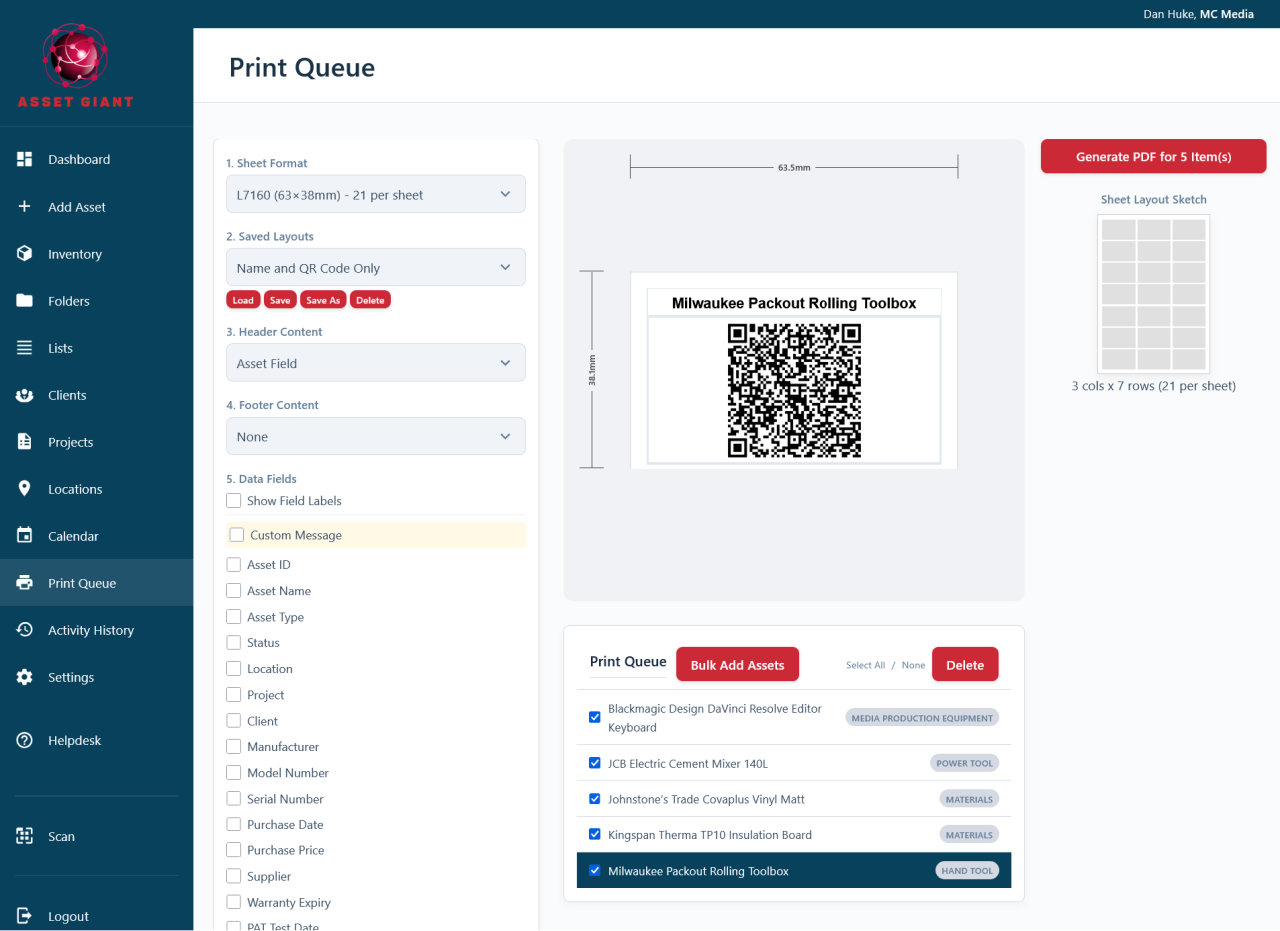
Best Practice: Set your logo and preferred label size once, up front. With those defaults in place, labelling new equipment becomes a quick, repeatable routine rather than a fresh design exercise each time.
When you’re ready to print, see Print a Sheet of Labels from the Print Queue and Best Practices for Printing Clear, Scannable Labels.