
We’re always happy to help you with any questions or issues you may have. There are a few places to look, depending on what you need.
Ask the AI assistant for the fastest answer. It can answer questions about your own assets — where something is, what’s checked out, who has it, what’s due back — as well as how Asset Giant works, from adding your first asset to printing QR labels. You’ll find it on your dashboard and on the Contact & Support page (reach it from the user menu, top-right). Each question counts towards your plan’s AI lookups.
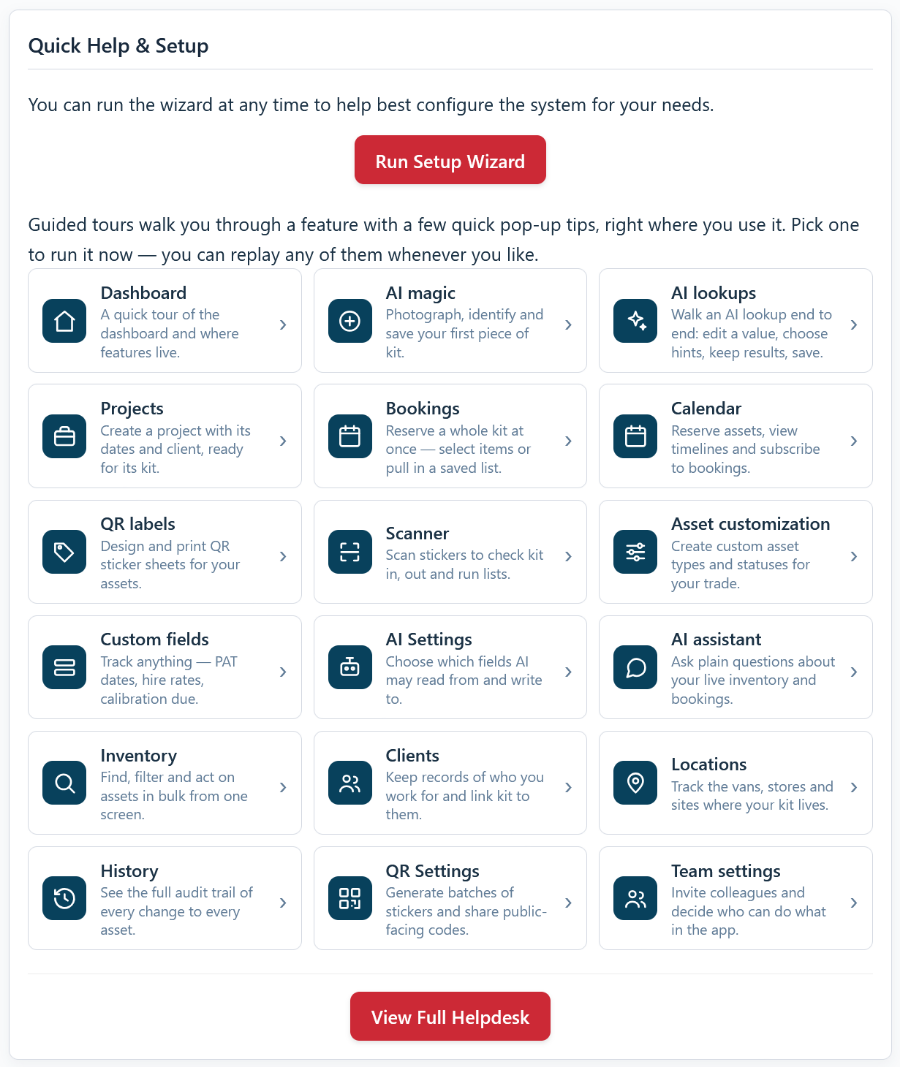
Guided tours are the quickest way to learn a feature. These short in-app pop-ups point out useful buttons right where you use them. Run any tour from the Quick Help & Setup card on your dashboard, or choose “Show tips for this page” from the user menu (top-right) for a refresher on whatever page you’re on. See Guided Tours and Help Tips for the full rundown. Guided tours are free on every plan.
For step-by-step instructions, our Helpdesk has guides covering every part of Asset Giant — you’re reading one now.
If you still need a hand, head to the Contact & Support page (in the user menu, top-right). There you can ask the AI assistant, email our support team at [email protected], or send a support request straight from the support form — your name and email are filled in for you, and we’ll reply by email as soon as we can.