
Map your real world — every workshop, store, site and vehicle — and assign each asset to where it belongs, so “where is it?” is a quick look, not a phone-around. Turn it around just as easily and ask “what’s here?” at any place.
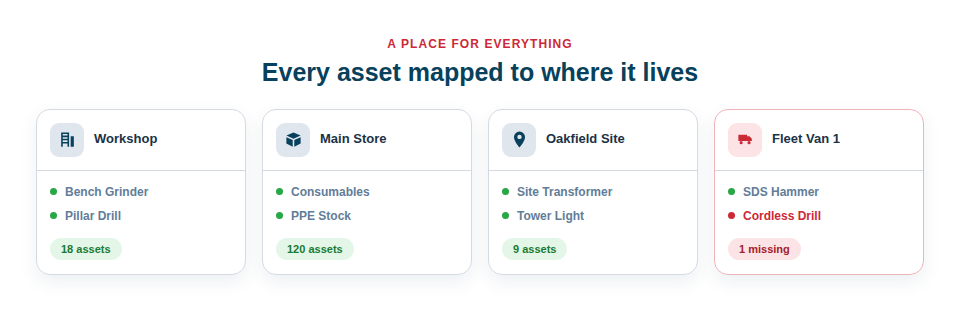
A place for everything, and everything in its place
Once your locations are set up, they become a natural way to see and manage your equipment:
- See what’s at each location. Open a site, store or van to view exactly what it’s holding.
- Spot gaps and pile-ups. Notice which van is short of a key tool and which store is overflowing, and rebalance accordingly.
- Update by scanning. Move kit between locations in seconds on site, so the picture stays accurate without desk work.
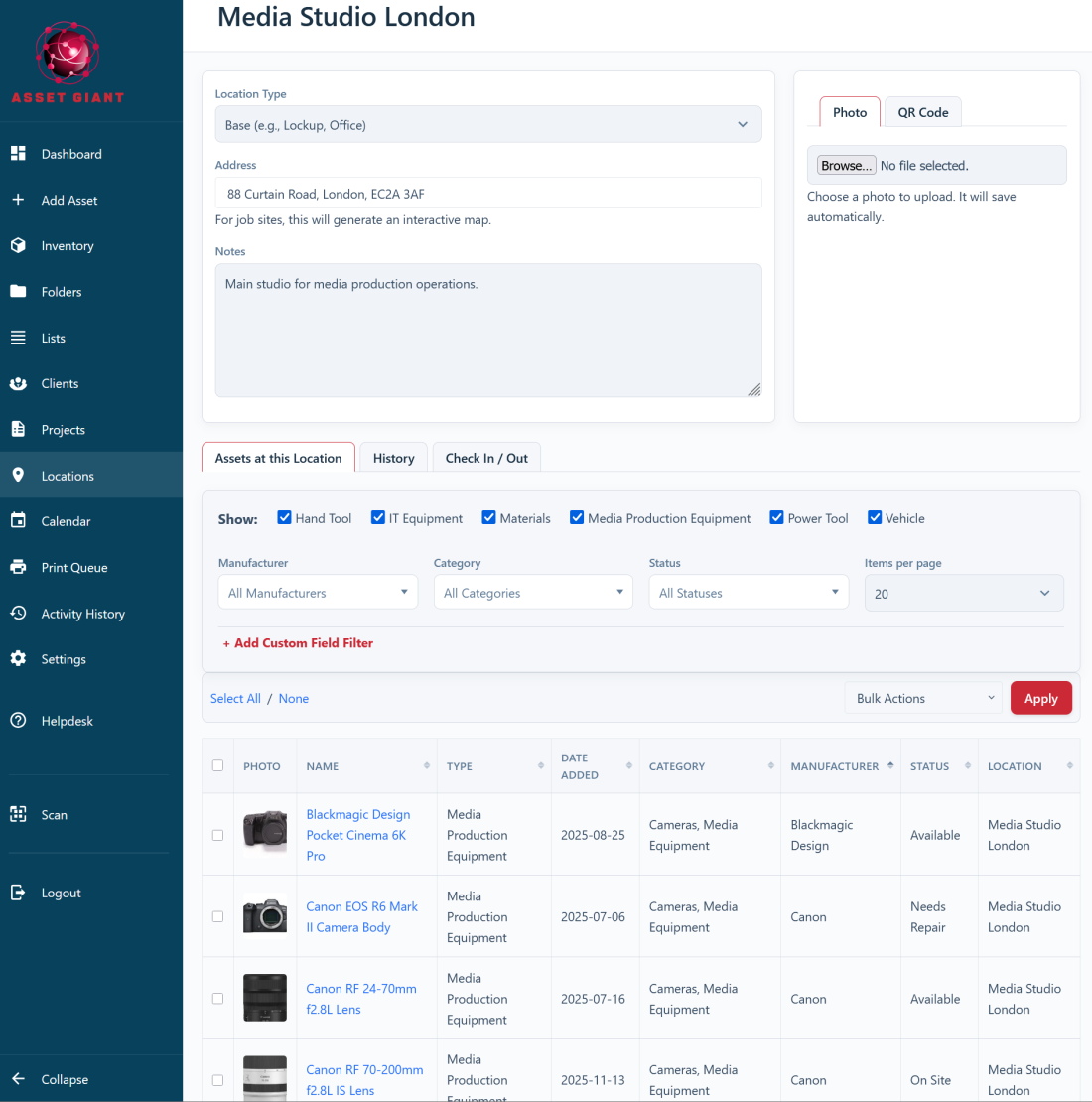
The foundation the rest is built on
Locations aren’t just a filing convenience; they’re the bedrock that makes the on-site features work. Accurate locations are what let you run a stocktake of a van, check items in and out as they move, and answer “where should this go back to?” after a scan. Get your locations right and the whole system becomes more powerful; let them drift and everything downstream gets shakier.
Setting them up is straightforward:
- Create a location for each real place your assets live — workshops, stores, sites and vehicles.
- Assign each asset to its home or current location.
- Keep them current by scanning items in and out as they move, rather than editing by hand.
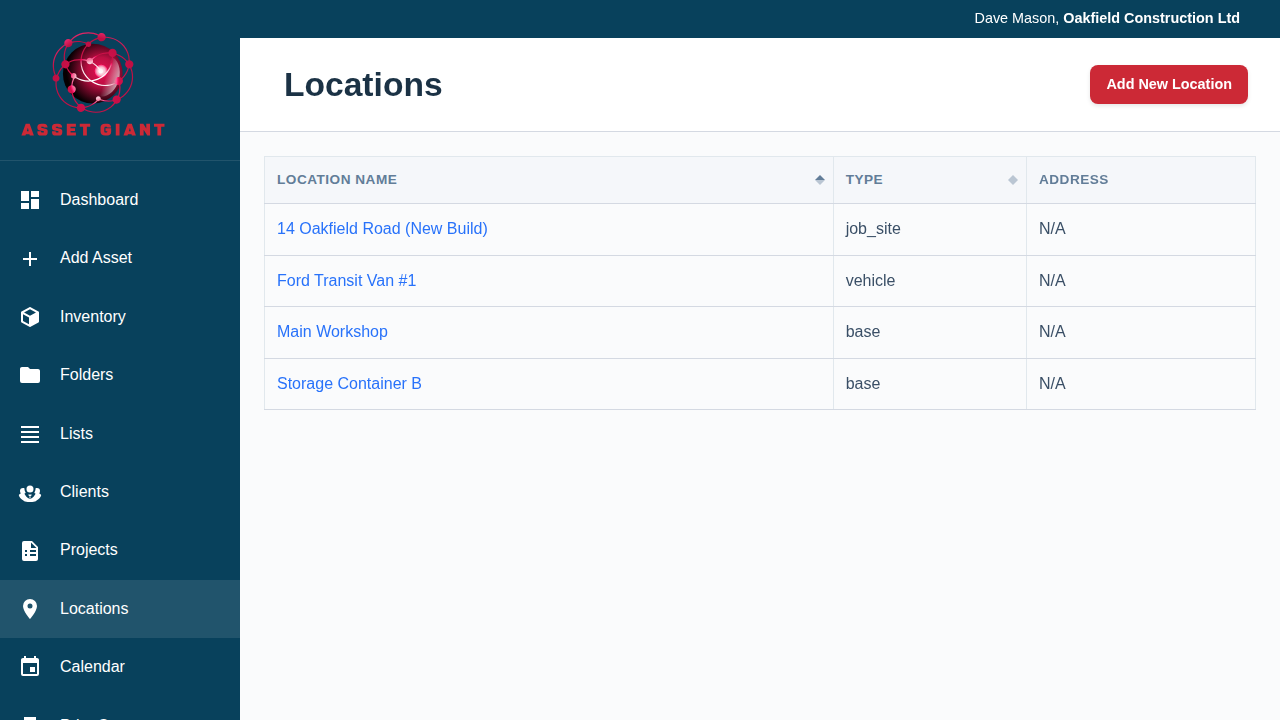
Best Practice: Set your locations up early, before you log a lot of assets. It’s far quicker to file items into the right place as you add them than to relocate hundreds of records afterwards.
For more, see What is a ‘Location’ and How Should I Use It? and How to Add and Manage Locations (Sites & Vehicles).