
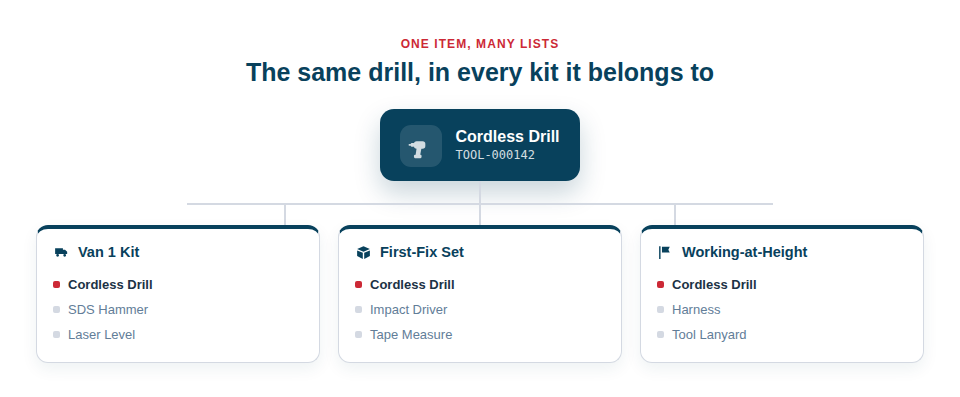
Real work is organised around kits and jobs, and a single tool naturally belongs to several at once. Lists bundle assets into reusable groups with no limit on how many an item can join — the workhorse for planning and on-site verification.
Build the kits your business actually uses
Lists let you capture and reuse the standard sets of equipment that recur across your work:
- Reusable kits. Define a set once — the tools and consumables a particular type of job needs — and load it for every similar job rather than rebuilding it from memory each time.
- Many lists per asset. No tool has to be pigeonholed; it can appear wherever it genuinely belongs.
- Lists you can run as checklists. Any list can be scanned through as a checklist to confirm everything is present, which is invaluable for van checks and toolbox talks.
- Lines that any one of several items can satisfy. A line can say “any 110v drill” or “any one of these three vacuums” instead of naming one exact machine, either by hand-picking the set or by pointing it at an asset type or category. The list keeps reading correctly whichever one actually goes out, so it does not need editing every job (see Interchangeable Items in a Kit).
From the office to the site
The reason lists are so useful is that they bridge planning and doing. In the office, you build or adjust a kit list for an upcoming job. On site, you run that same list as a checklist, scanning each item to confirm it’s actually there. The thing you planned and the thing you check against are one and the same, so nothing gets lost in translation between the desk and the van.
A natural way to work with them:
- Create a list for a recurring kit or a specific job.
- Add the assets it should contain, drawing on items that may also live in other lists.
- Load and verify the kit by running the list as a checklist, scanning items off as you go.
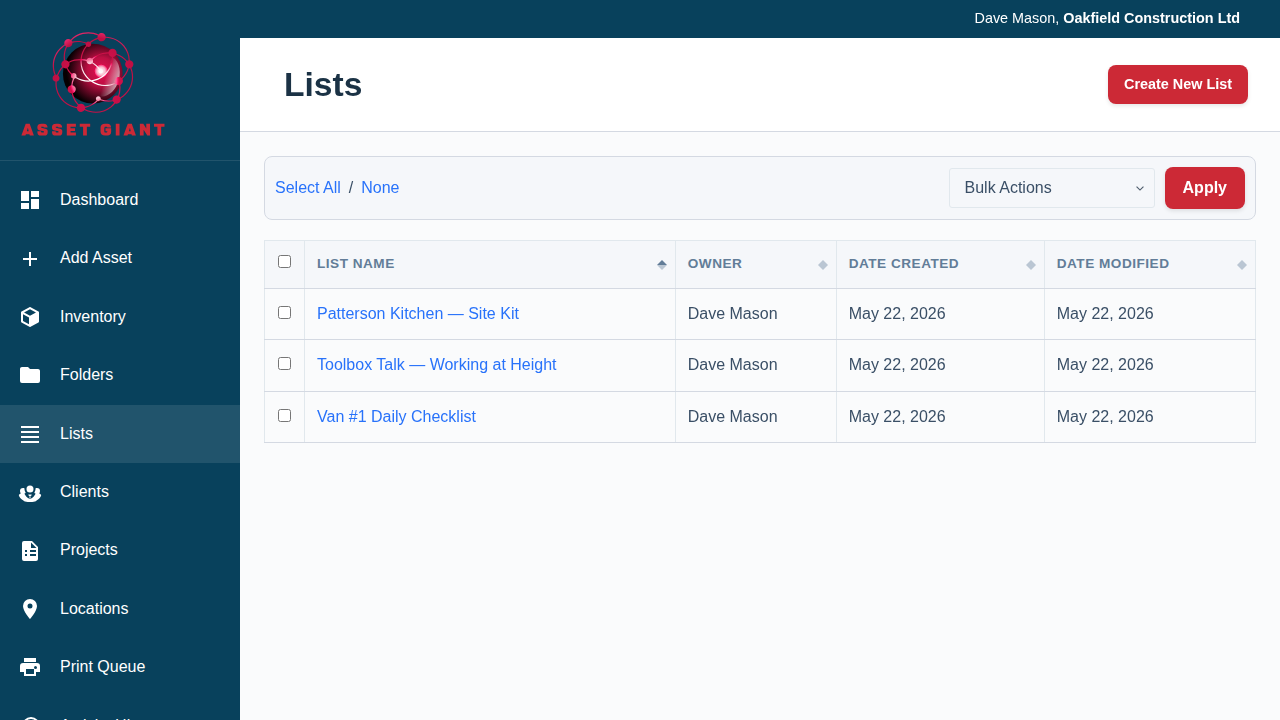
Best Practice: Create a small number of well-thought-out standard kit lists for your common job types. They pay for themselves every time a crew loads up correctly first time, and they make toolbox-talk checks effortless.
A list can also be printed as a blank paper tick sheet, for the job where a phone is no use at all (see Printable Paper Checklists).
For more, see Make a Kit List for a Job and Use a List as a Toolbox Talk or Inspection Checklist.