
Treat each vehicle as a location, so a van gets the same live, scannable inventory as a fixed store. See exactly what’s on board at any moment, kept current as kit is checked on and off by scanning.
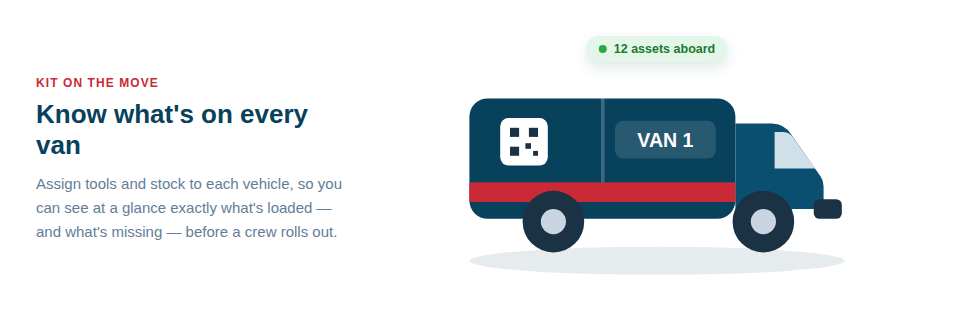
Know what’s in every van
Treating vehicles as locations turns a blind spot into a managed asset:
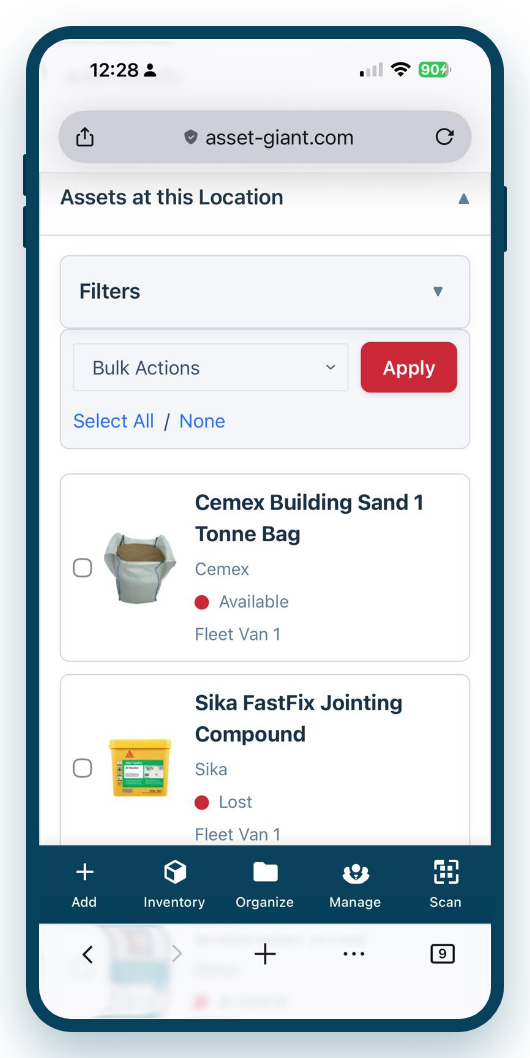
- A live kit list per vehicle. See exactly what each van should be carrying, and what it actually is.
- Load and unload by scanning. Check tools onto a van in the morning and off again as they’re used or returned, with the locations updating automatically.
- Quick daily van checks. Run a saved list as a checklist before setting off, so a vehicle never leaves the yard a critical tool short.
- A full movement history. Every check-in, check-out and stocktake recorded against the vehicle is kept, so you can look back at exactly what came on and off the van, when, and who moved it.
Less loss, smoother mornings, cleaner claims
The benefits show up across the day. Fewer tools go missing, because kit that’s tracked to a named van tends not to wander. Mornings run more smoothly, because the team can confirm the van is loaded correctly in a minute rather than rummaging and guessing. And if the worst happens and a vehicle is broken into, you have an exact, dated list of what was on board — which is precisely what an insurer wants and what most victims of van theft simply can’t produce.
Getting set up is quick:
- Add each vehicle as a location.
- Assign or scan the tools that live on each van onto it.
- Keep it honest with morning checks and by scanning kit on and off as it moves.
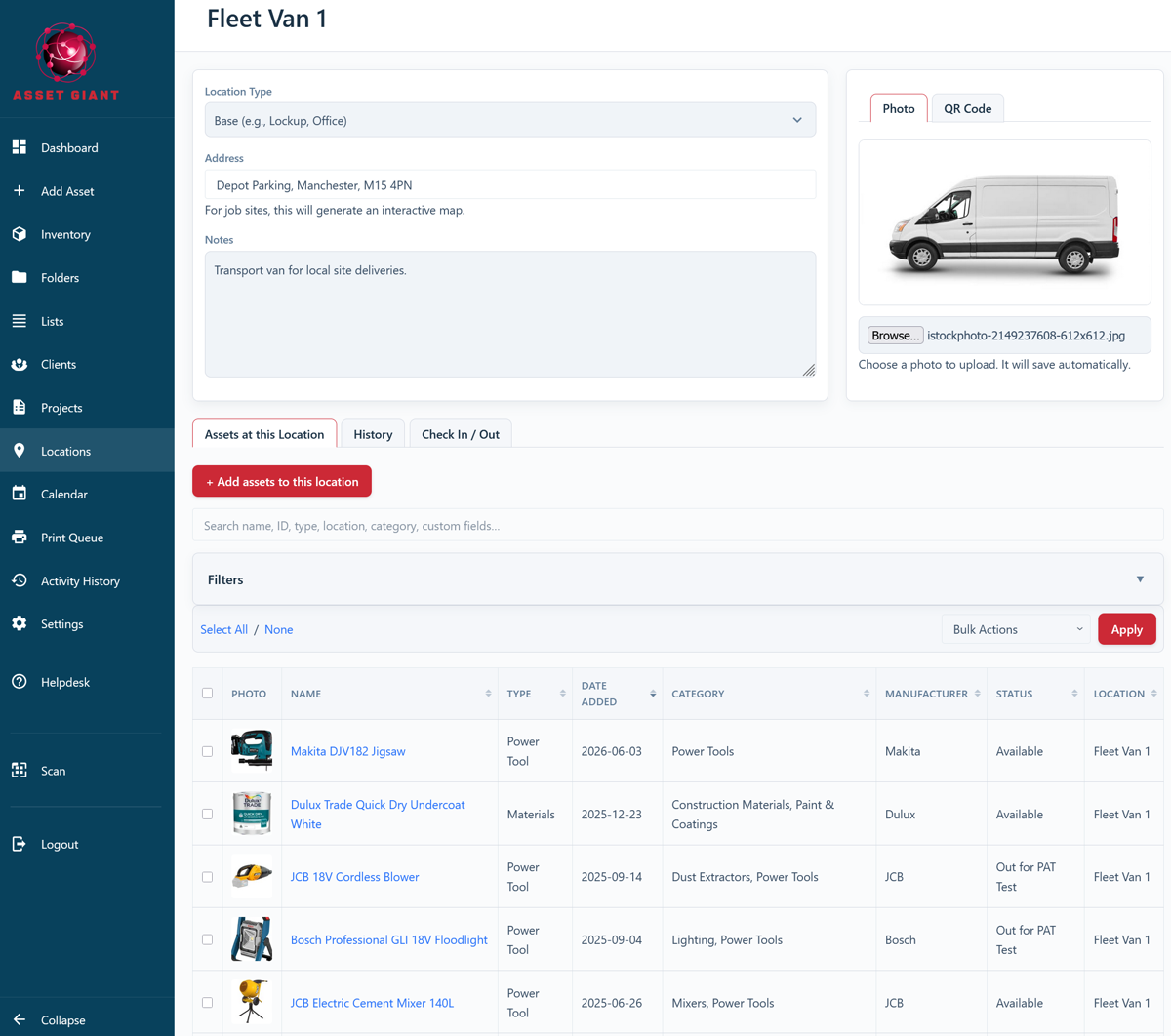
Best Practice: Pair each van with a standing checklist of its core kit and run it at the start of each day. It takes a minute, prevents wasted return trips, and keeps the van’s inventory accurate as a side effect.
To set vehicles up as locations, see How to Add and Manage Locations (Sites & Vehicles).