
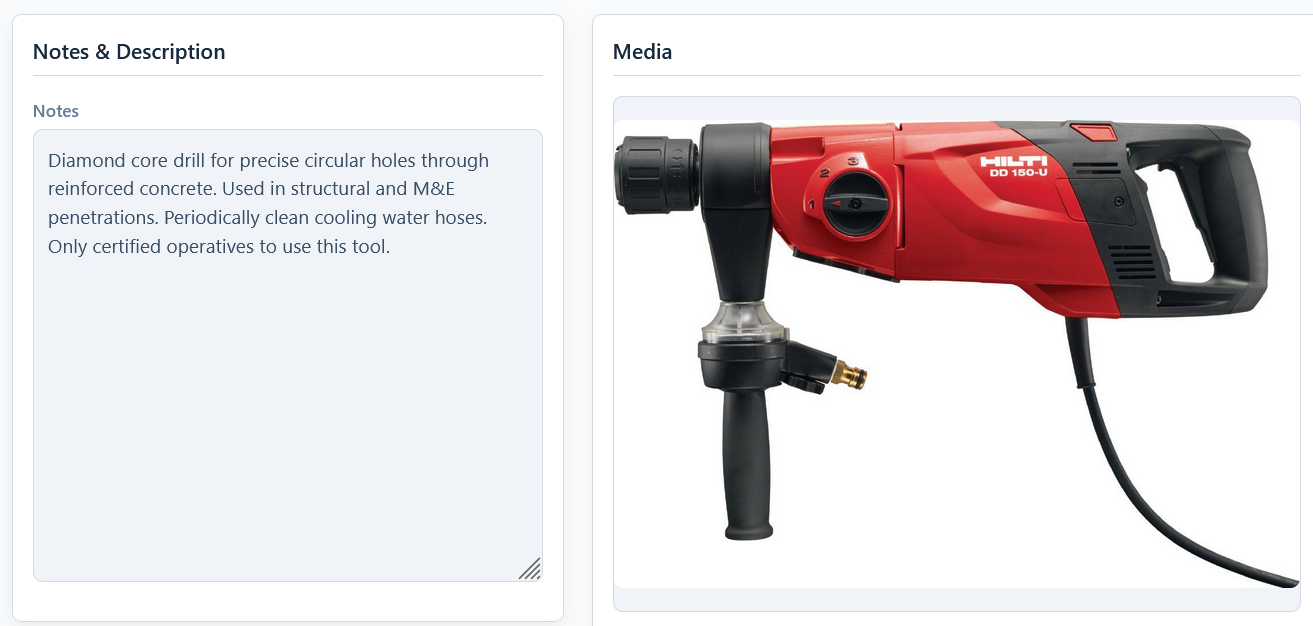
The “Notes & Description” card contains a single, large text field for you to record any and all information about an asset that doesn’t fit into a standard field.
What to Use it For
This is your space for unstructured information. It’s perfect for keeping a running log or noting important details. Examples include:
- Service History: “2024-01-15: Replaced brushes. / 2025-02-20: PAT Tested, passed.”
- Specific Details: “This is the 110V version.” or “Comes with a specific 5-meter extension cable.”
- Damage or Quirks: “Casing is cracked near the handle but still functions correctly.” or “Battery cover is loose, secured with tape.”
- AI-Generated Details: When you use the Using AI to Fill in Asset Details feature, the AI will often populate this field with a bulleted list of the item’s key specifications, such as power output, weight, and dimensions.
Best Practice: Add a date to your notes (e.g., YYYY-MM-DD) whenever you record a service or notice a new issue. This helps create a clear, chronological history within the notes field itself, supplementing the main See Who Changed an Asset, and When.