
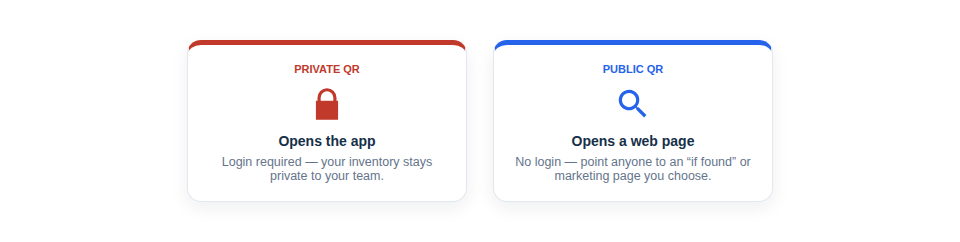
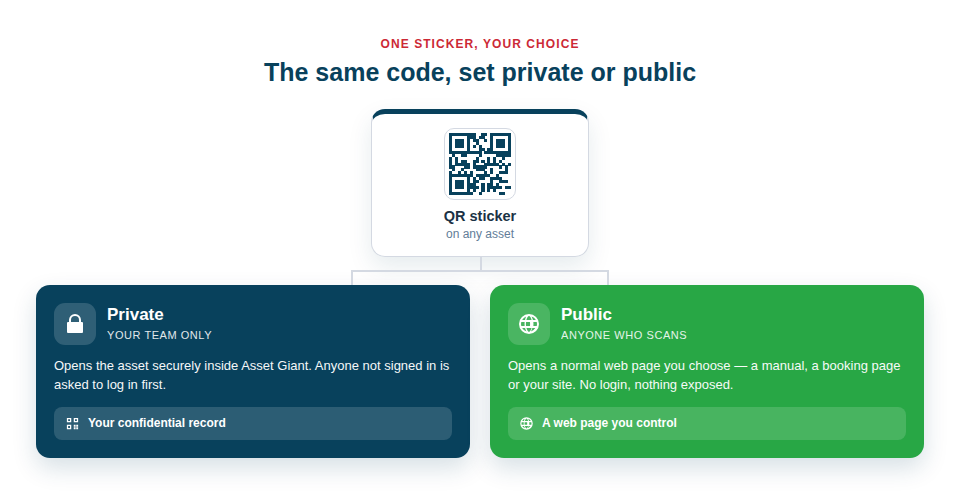
Choose code-by-code who each QR is for: private, opening the asset securely inside your account, or public, sending whoever scans it to a web page you’ve chosen. One simple setting keeps your inventory hidden when it needs to be.
Two modes, one consistent system
The distinction is straightforward, but it’s what makes your codes safe to use everywhere:
- Private codes resolve to the asset inside Asset Giant. Anyone who isn’t logged in is asked to sign in first, so your inventory, values and locations stay confidential to your team.
- Public codes resolve to a normal web address that you specify. No login is required, so they’re perfectly suited to anything a customer or member of the public might scan.
Use the right code for the right job
Having both options means a single, professional-looking sticker can play very different roles depending on how you set it. Internally, you keep everything private, so a scan in the van or the store opens the full record. Externally, you reach for public codes whenever the audience isn’t your staff:
- “If found” labels on portable kit, pointing to a public page with your contact details.
- Customer-facing codes on installed equipment, linking to a manual, a certificate or a booking page.
- Marketing codes on vehicles, signage or flyers that open your website or a current offer.
Because you control what sits behind a public code, the same label can be repurposed simply by changing its destination — and your private tracking is never put at risk in the process.
Best Practice: Keep everything private by default, and only make a code public when you have a deliberate reason to — an external audience and a specific destination in mind. It’s the safest way to get the marketing benefit without ever exposing your inventory.
For the full detail, see Public vs. Private QR Codes: What’s the Difference?.