
Designed phone-first and runs in any modern browser, so it meets your team wherever they are. Nothing to install — phone, tablet or laptop opens the same live system, in a layout that suits the screen.
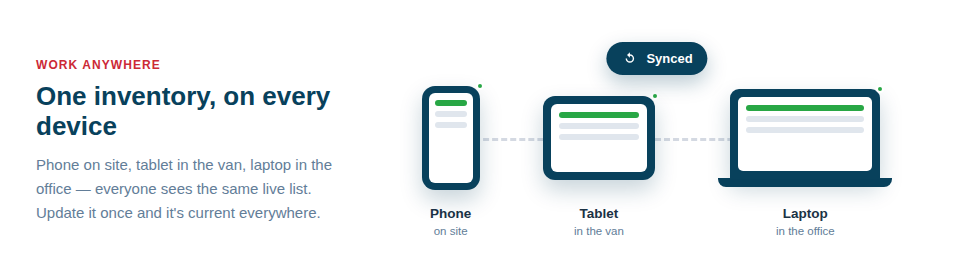
One system, every screen
Because it’s built for the browser and adapts to the device, it covers the whole working day rather than just the office part of it:
- Phone-first on site. The scanner and the card views are made for quick, one-handed updates exactly where the work is.
- Full power on the desktop. A rich table view handles setup, reviews and bulk work comfortably at a desk.
- Nothing to install. It all runs in the browser, so there are no app stores, no installs, and updates simply happen.
Ready wherever you are
The deeper benefit is that there’s no second system and no friction. Whoever is up a ladder uses the same live inventory as whoever is at the office desk, and a change made in one place is instantly true in the other. That single, everywhere-available system is what lets records stay accurate, because the people moving the kit can update it in the moment, on the device already in their pocket, rather than reporting back later.
In day-to-day use:
- On site, open it on your phone to scan, find and update assets one-handed.
- At the desk, switch to a laptop for the full table, setup and bulk tasks.
- Trust that every device is showing — and updating — the same live records.
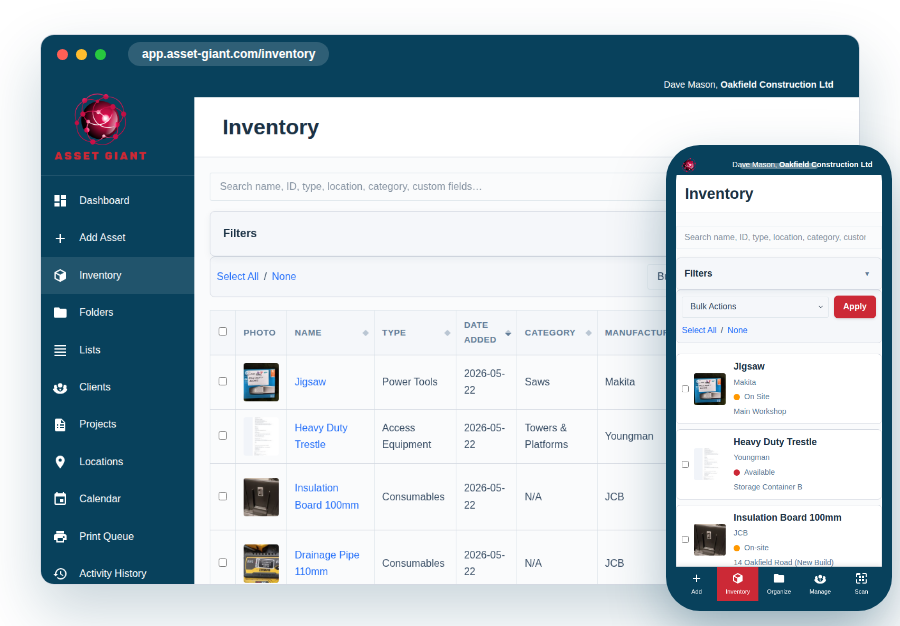
Best Practice: Add Asset Giant to the home screen on your team’s phones so it opens like an app, in one tap. It makes scanning and quick lookups frictionless out on the job, which is where accuracy is won or lost.
For more, see Using Your Inventory on a Phone and on a Laptop.