
Print a batch of blank QR stickers and tag your whole workshop straight away — no data entry up front. Link each one to its asset later, simply by scanning it, so the desk work never holds up the physical work.
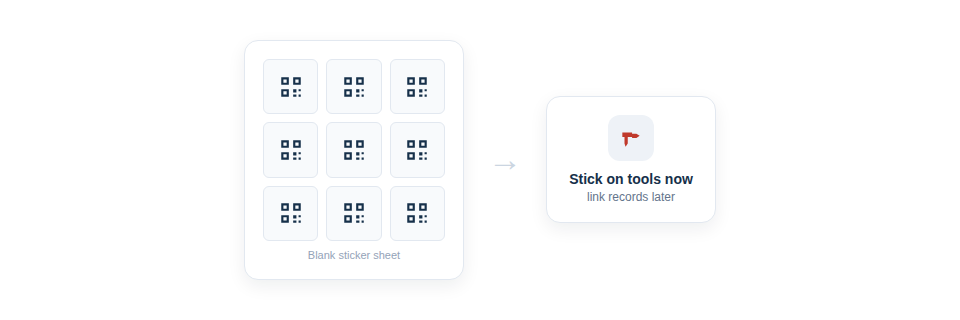
Label first, log later
This “label now, assign later” approach is the fastest way to tag a large existing fleet:
- Generate a batch of unassigned QR codes in one action.
- Print them — ideally through the print queue, onto full label sheets — and apply them across your equipment.
- Whenever you next handle a tool, scan its sticker and link it to a new or existing asset on the spot.
Because the assigning happens through a quick scan, it can be spread across days and even across several people, slotting into the gaps in a working day rather than demanding a dedicated session.
Why it removes the barrier to getting started
The genuine advantage here is psychological as much as practical. Applying stickers is fast and visible — you can see progress as the kit gets tagged — whereas data entry is slow and invisible. By letting the quick part run ahead of the slow part, you build momentum, and the inventory fills in naturally as tools get used and scanned.
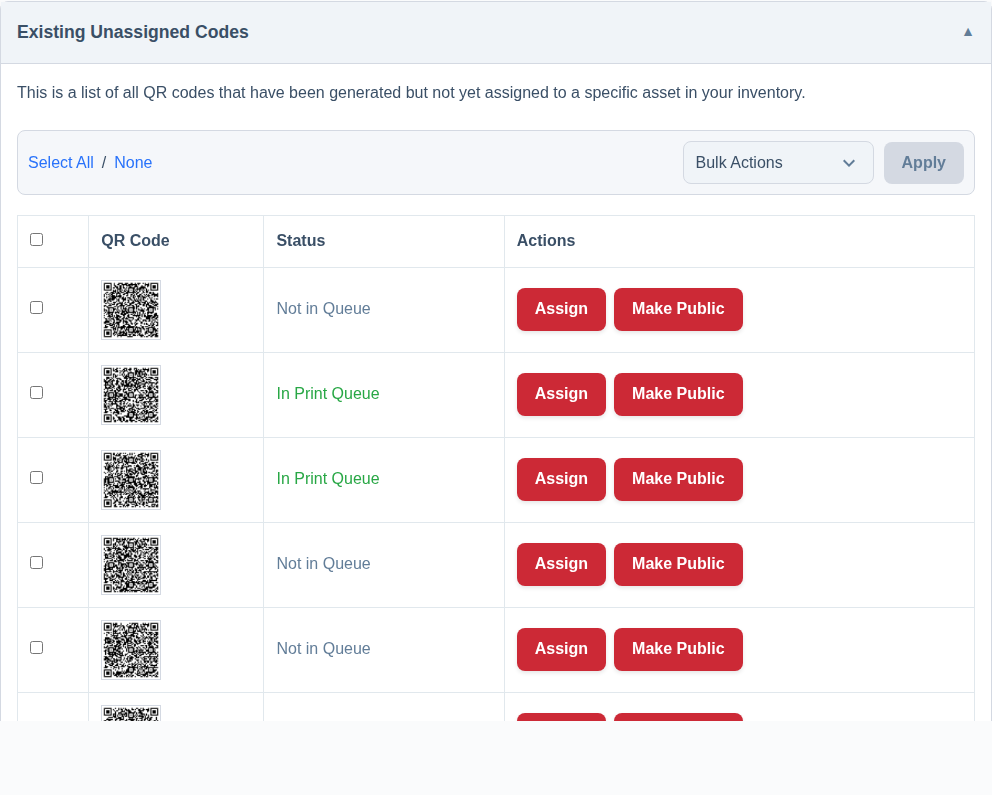
Unassigned codes sit in a clearly listed pool until they’re linked, so you can always see how many blanks are out in the wild waiting to be assigned, and you can choose to send a batch straight to the print queue when you create it.
Best Practice: Print a generous batch and tag everything in one walk-round, then assign opportunistically. It’s far quicker than perfectly logging each item before labelling it, and it gets your whole fleet visibly tagged in a single afternoon.
For more, see Print QR Labels Now and Assign Them to Assets Later and How to Bulk Generate QR Codes.