
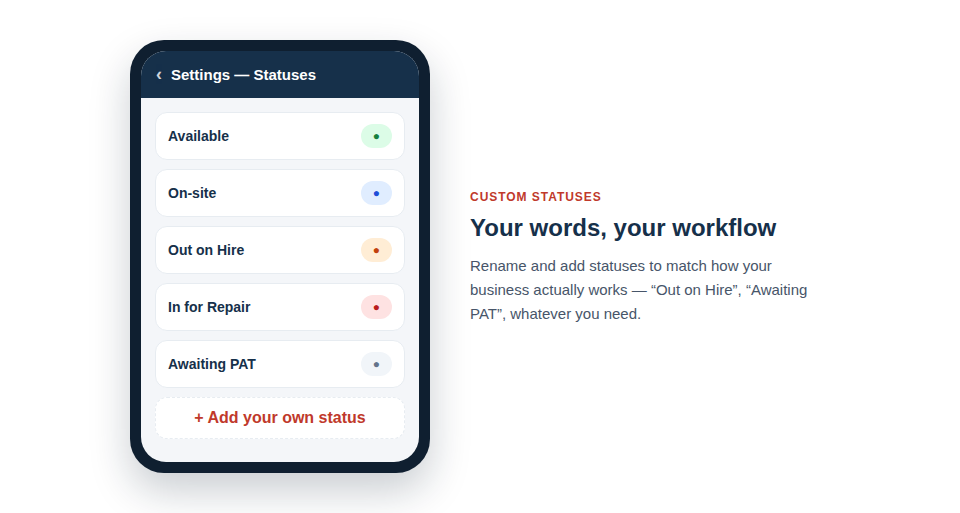
Define your own statuses — “Out on Hire”, “Awaiting PAT”, “In for Service” — so labels reflect how you actually run things. Everyone reads the inventory the same way, and your filters and reports become genuinely meaningful.
Speak your own language
Tailoring the statuses to your business is quick and pays off across the system:
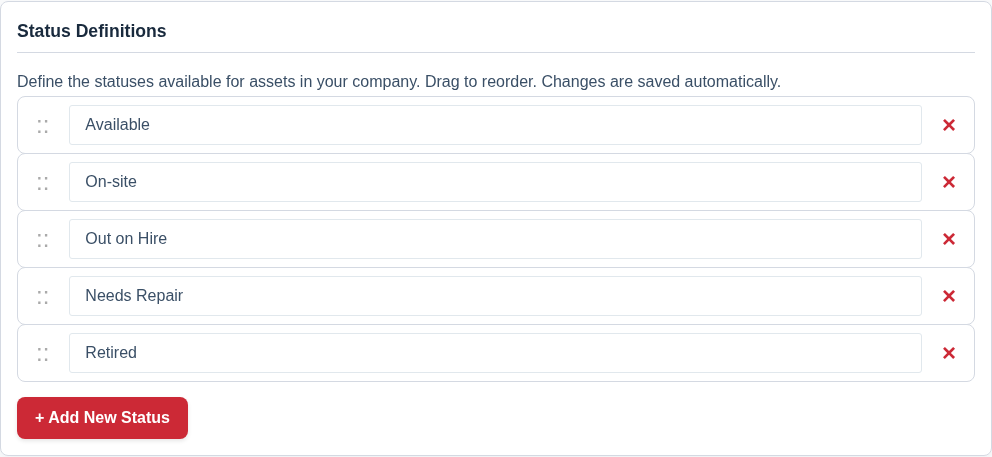
- Create the statuses you need and remove the ones you don’t, so the list contains only states that mean something to you.
- Reorder them to match your workflow, putting the most-used states where they’re easiest to reach.
- Filter and report by them — instantly list everything “Out on Hire” to chase returns, or everything “In for Repair” to follow up.
Clarity for the whole team
The real benefit is shared understanding. When a status means exactly what your team thinks it means, there’s no ambiguity about whether something is genuinely available or merely “around somewhere”. That clarity feeds straight into better decisions — you plan jobs around kit that’s truly free, and your reports reflect reality rather than a rough approximation.
Setting them up is a one-time job:
- Define the statuses that mirror your real workflow.
- Order them sensibly, with your common states first.
- Apply them to assets — singly, or to many at once with bulk actions — and filter by them whenever you need a particular set.
Best Practice: Keep the list short and unambiguous. A handful of clearly-distinct statuses everyone understands is far more useful than a long list of subtly-overlapping ones that different people interpret differently.
To set them up, see Add Your Own Asset Statuses, Such as In for Repair.