
No special label printer needed — print onto ordinary label sheets (including popular Avery formats) on the office printer you already own. Every label lands perfectly on its die-cut, first time.
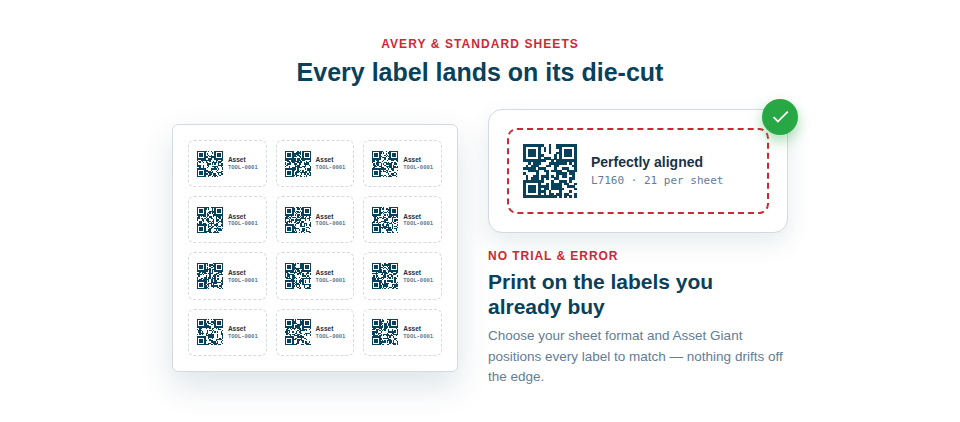
Print on the labels you already buy
Sticking to common formats keeps your running costs low and your supply options open:
- Common formats supported, including popular Avery sheet sizes, so you’re not tied to a single supplier or special stock.
- Automatic, pixel-perfect alignment, with each label positioned for you so nothing prints off the edge or across a gap.
- Any printer will do — an everyday office printer and a sheet of labels are all you need to produce professional results.
No wasted stock, no trial and error
Because the layout is handled for you, the usual cycle of print-a-test-sheet, nudge-the-margins, print-again simply doesn’t happen. You choose your sheet format, the system positions the labels to match, and you print. That saves both the money you’d lose to ruined sheets and the time you’d lose to fiddling — and it means anyone on the team can print a batch correctly without being the “person who knows how to line up the labels”.
The typical flow is reassuringly short:
- Choose the label sheet format you’ve bought.
- Generate the print-ready PDF from your print queue.
- Load the sheets and print — everything lands on its die-cut.
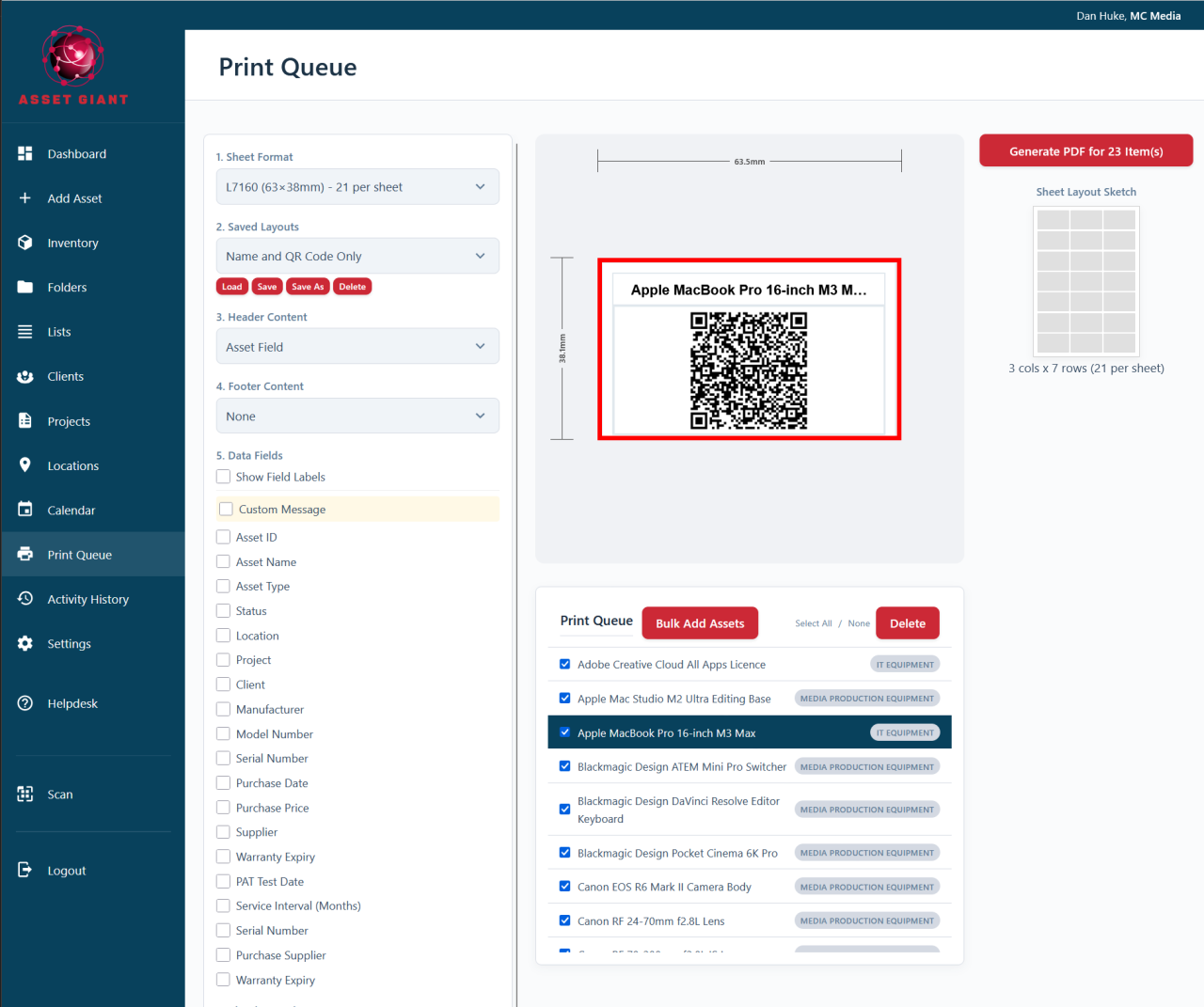
The sheet formats you can choose
Pick the format by the code printed on the packet. A4 and US Letter sheets are both supported, and the layout changes to match:
- A4 Avery L-codes — L7159 (63.5 × 33.9 mm, 24 per sheet), L7160 (63.5 × 38.1 mm, 21), L7161 (63.5 × 46.6 mm, 18), L7162 (99.1 × 34 mm, 16), L7163 (99.1 × 38.1 mm, 14), L7165 (99.1 × 67.7 mm, 8), L7166 (99.1 × 93.1 mm, 6), L7169 (99.1 × 139 mm, 4) and L7171 (200 × 60 mm, 4).
- A4 sheets sold by size — 46 × 21 mm (48 per sheet, also sold as L4778), 38 × 21 mm (65, L7651), 70 × 42 mm (21, L7168), 36 × 17 mm (80), 26 × 16 mm (90), 37 × 37 mm and 35 × 35 mm squares (35), 25 × 25 mm squares (70) and 20 mm rounds (88).
- US Letter — Avery 5160 (2.625 × 1 in, 30 per sheet), 5161 (4 × 1 in, 20), 5163 (4 × 2 in, 10) and 5164 (4 × 3.33 in, 6).
Best Practice: Note the exact product code of the label sheets you buy and stick with it, so your chosen format and your stock always match and you never have to re-check the alignment.
For which size suits which kit, and which material lasts outdoors, see QR Code Asset Tags & Labels. For printing tips, see Best Practices for Printing Clear, Scannable Labels.