
Give each job a home for the assets assigned to it, tied to the client it’s for. See exactly what’s committed where, so you can plan around real availability, avoid clashes, and account for your kit cleanly when a job wraps up.
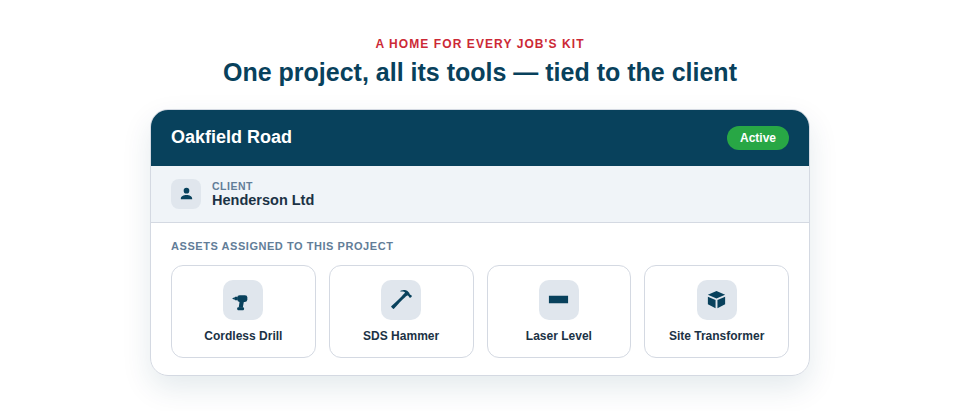
Keep every job’s kit in view
A project record turns a job from an abstract thing into a manageable collection of equipment and dates:
- Assets per project. See what’s currently committed to each job, so you know what’s genuinely available for the next one.
- A link to the client. Every project belongs to the customer it serves, connecting the work, the kit and the relationship.
- Timelines and status. Record start and end dates and a project status, so you can see what’s active, what’s upcoming and what’s done.
Plan, avoid clashes, and account with confidence
Knowing what’s allocated where pays off at both ends of a job. At the start, you can plan realistically, hiring in only what you genuinely lack rather than what you’ve forgotten is already out. During the job, there’s no accidental double-booking of shared kit. And at the end, reconciliation is simple: the project tells you what should have come back, so nothing quietly gets left behind on a finished site.
A typical lifecycle looks like:
- Create a project and link it to its client.
- Assign the tools and equipment the job needs to that project.
- Track it through to completion, then confirm everything’s returned by checking the project’s assets back in.
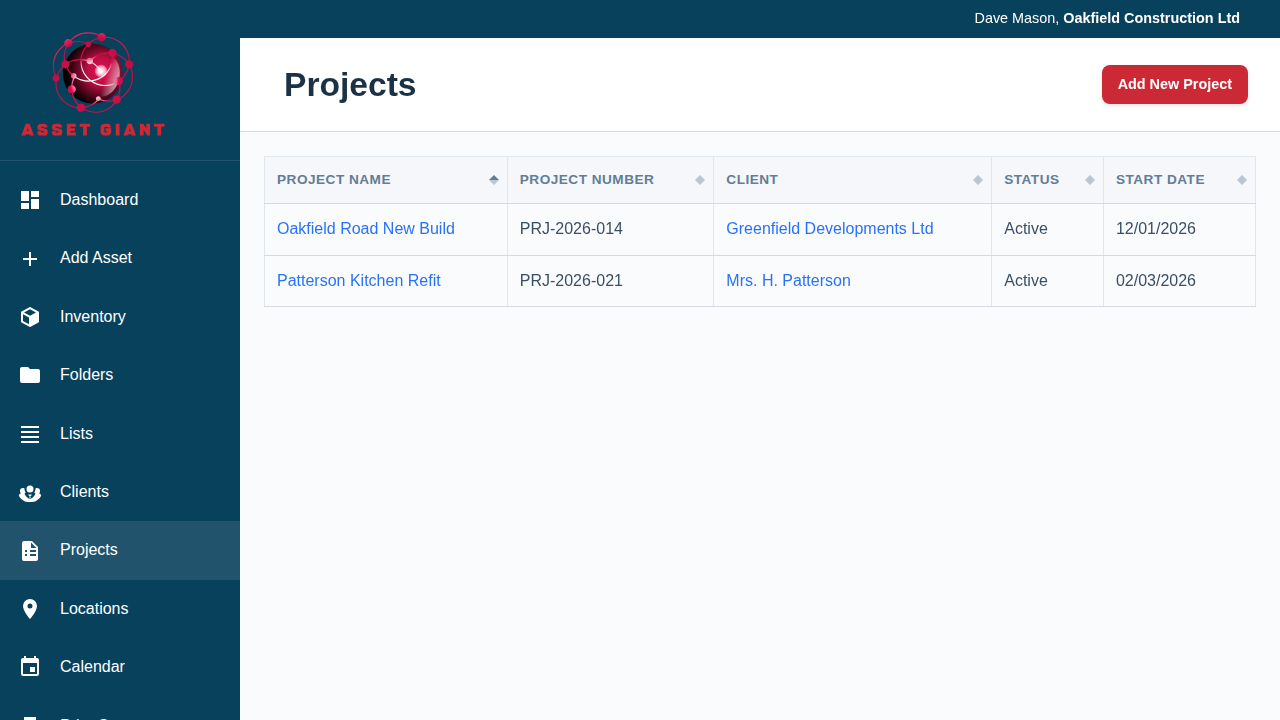
Best Practice: Check a project’s assigned assets back in as the job closes down. It’s the simplest way to make sure expensive kit doesn’t get forgotten on a site you’re no longer visiting.
For the full guide, see How to Add and Manage Projects.