
“Locations” are a fundamental part of Asset Giant. Every asset can be assigned to a location, giving you a real-time overview of where all your equipment is at any given moment.
What Constitutes a Location?
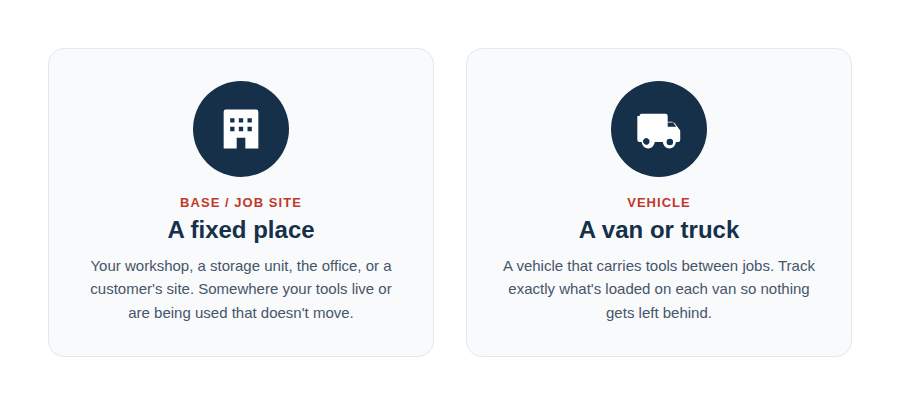
A location is any distinct physical place where your assets are stored or used. When creating a location, you must choose between two types:
- Job Site: Choose this for any fixed, non-moving place.
- Vehicle: Choose this for anything that moves.
Best Practices & Examples
Setting up your locations thoughtfully is key to an organized inventory. We recommend creating a location for every key hub of your business.
Examples of “Job Site” Locations:
- Main Office
- Workshop
- Storage Unit B
- A long-term project address (e.g., “123 Main Street Job Site”)
Examples of “Vehicle” Locations:
- Ford Transit – Reg BX68 YZM
- Installation Van #1
- Director’s Truck
- Equipment Trailer
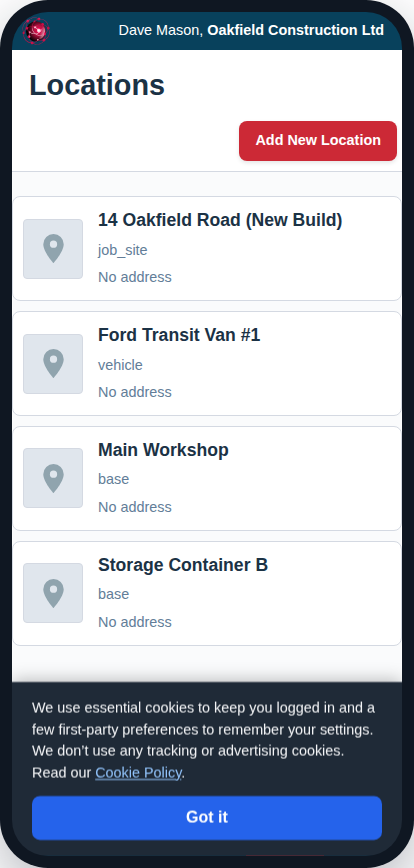
By creating a location for each of your vans, you can see the complete inventory of a specific vehicle before it leaves for a job, preventing return trips for forgotten tools. By creating a location for a long-term job site, you can track all the assets that are meant to stay there.
To learn how to create and manage your locations, see the guide How to Add and Manage Locations (Sites & Vehicles).