
The “Company Profile” tab in your settings is where you manage the core information about your business. This information is used for branding, billing, and tuning the AI.
How to Access Your Company Profile
- Navigate to Settings from the main menu.
- Click on the “Company Profile” tab.
Key Sections
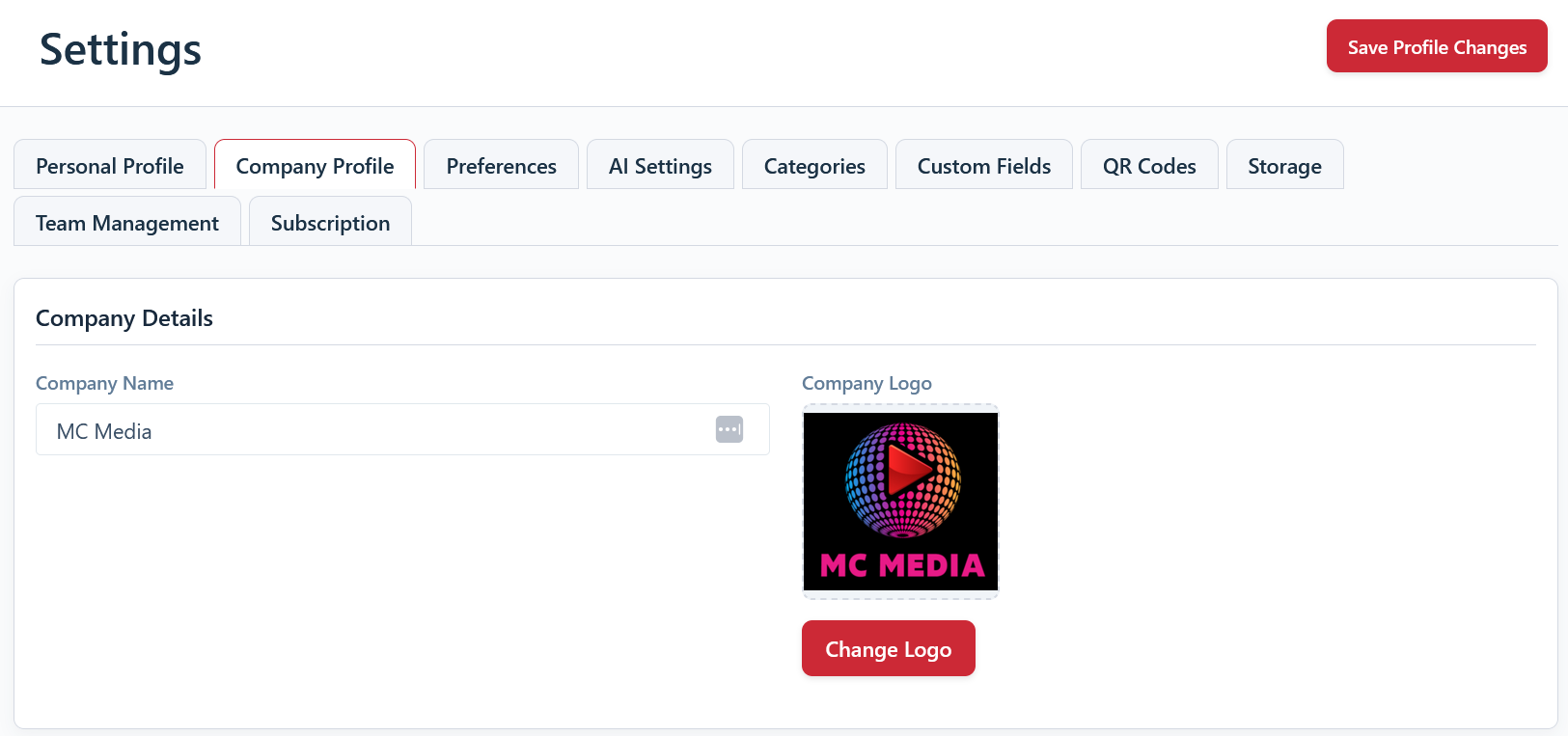
Company Name & Logo
Update your company’s name and upload your logo (optional). The logo will appear on documents you export, such as PDF reports.
Billing & Delivery Addresses
- Billing Address: This is the primary address for your company and will be used on all invoices.
- Delivery Address: This is the address we will use if we need to send you physical goods, such as pre-printed QR code labels. You can check the box to keep it the same as your billing address.
Business Activities & Description (For AI)
These fields are important for getting the best results from the AI identification features.
- Business Activities: Select all the industries and types of work that apply to your business.
- Business Description (for AI): This is a free-text field where you should describe your business in as much detail as possible. The more specific you are about the work you do and the tools/materials you use, the more accurate the AI’s suggestions will be. You can update this any time you start a new type of work.