
Most businesses genuinely don’t know what they own — and that uncertainty is expensive, showing up as duplicate purchases, lost kit and hours hunting for equipment. An asset inventory replaces guesswork with a single, reliable, always-up-to-date record of everything your business owns and where it is.
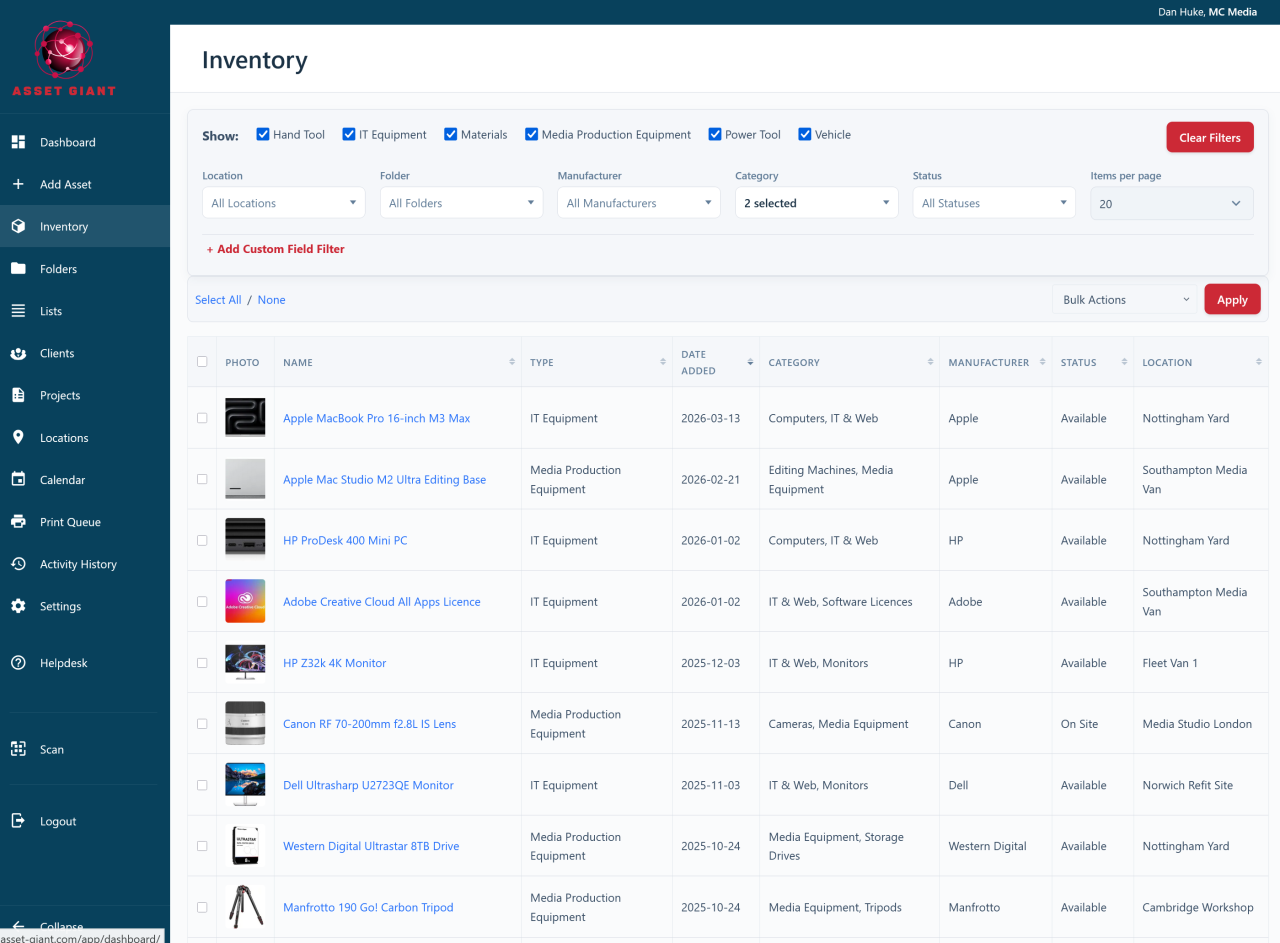
What your inventory gives you
Asset Giant turns that vague sense of “we own a lot of stuff” into something you can actually search, filter and act on. Every item becomes a record you can find in seconds, and the whole picture is visible to your team at once rather than locked in one person’s knowledge.
- An end to duplicate buying. Before you order another one, a quick search tells you whether you already have a spare sitting idle — and exactly where it is.
- Far fewer losses. When everyone can see what should be where, and that movements are being recorded, dramatically less equipment goes missing.
- A real financial picture. A complete, valued register is exactly what insurers, lenders and accountants ask for — and exactly what most businesses can’t produce on demand.
- Confidence when you scale. Whether you grow from fifty items to five thousand, the same system keeps pace without becoming a chore.
- Tools and stock, together. It isn’t only for one-off tools: track bulk consumables — fixings, cable, sealant, PPE — by quantity and unit alongside your kit, so the empty box of screws that stalls a job is as visible as the expensive laser level. See Track Quantities & Consumables.
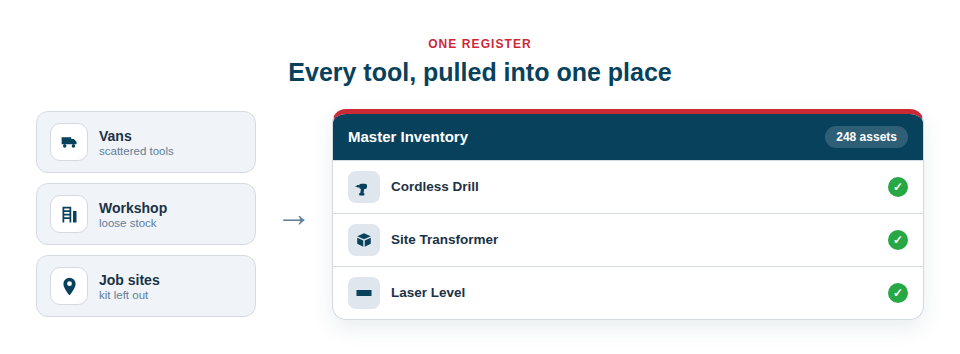
Built to be quick, not a second job
The reason most inventories never get built is the sheer tedium of typing everything in. Asset Giant removes that barrier. You can add your first asset in under a minute, and the built-in AI does most of the work — recognising a tool from a photo, or filling in the details from a make and model you already know. Each item then becomes a rich record holding its photos, specifications, location, value and full history, all in one place.
Getting started is deliberately gentle:
- Add your most valuable and most-moved items first — the kit that hurts most when it goes missing.
- Snap a photo and let the AI suggest the details, or type a few facts and let it fill in the rest.
- Tell the system where each item lives, and who or what job it’s assigned to.
- Repeat, building outward from your priority items at whatever pace suits you.
Best Practice: Don’t try to log everything in one heroic session. Start with high-value and frequently-moved equipment, get the habit of recording movements as you scan, and let the inventory fill out naturally over the first week or two.
The result is a living record you and your whole team can trust — one that quietly saves money every time it stops a needless purchase, recovers a “lost” tool, or answers the simple question, “where is it?”.
And if the list already exists in a spreadsheet, you don’t have to build it by hand at all — import the CSV and the whole inventory arrives at once, with a full preview first and an undo afterwards. See Import From a Spreadsheet.
Ready to begin? See How to Add Your First Asset and the quick-start checklist in Welcome to Asset Giant: What to Do First.