
Your Company Profile contains the core information about your business. Keeping this up-to-date is important for branding on reports and ensuring the AI provides the best possible suggestions.
How to Access Your Company Profile
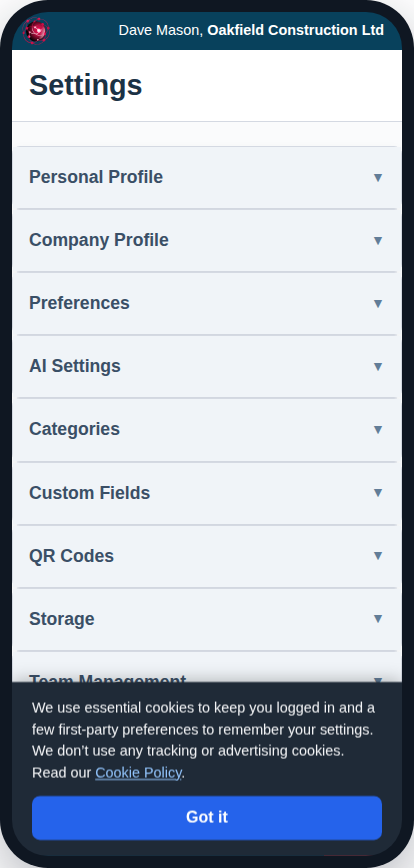
- Navigate to Settings from the main menu.
- Click on the “Company Profile” tab.
If you have just signed up, the Get Set Up in Minutes with the Setup Wizard is the best way to fill out this information for the first time. You can return to this settings page at any time to make updates.
Key Information to Set Up
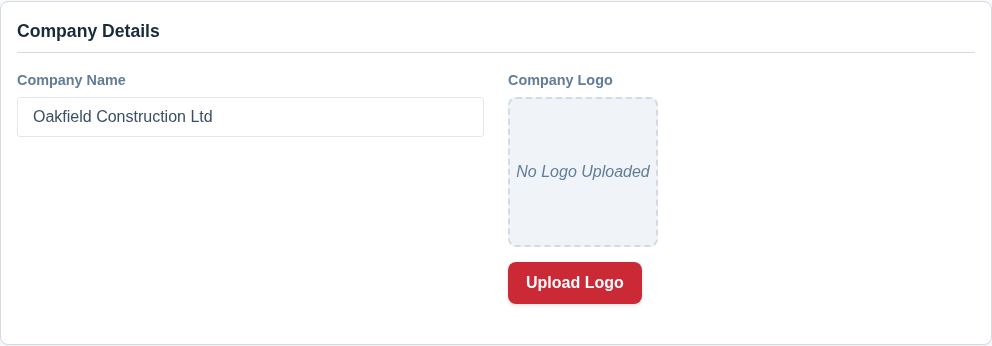
- Company Name & Logo: Enter your official company name and upload your logo. Your logo will appear on all exported PDF documents, giving them a professional, branded look.
- Billing & Delivery Addresses: Set your official business addresses. This information is used for invoicing and for shipping any physical products, like pre-printed label orders.
- Business Activities & Description (for AI): This is a crucial section for getting the most out of Asset Giant.
- Activities: Select all the industries and types of work your business performs.
- Description: Write a detailed paragraph describing your business. The more detail you give the AI about the tools you use, the materials you stock, and the work you do, the more accurate its suggestions will become over time.