
Keep a record of each customer, their contacts and the assets linked to them, so you move effortlessly between a client and their kit. “Which one did we install for them, and when?” becomes a single click.
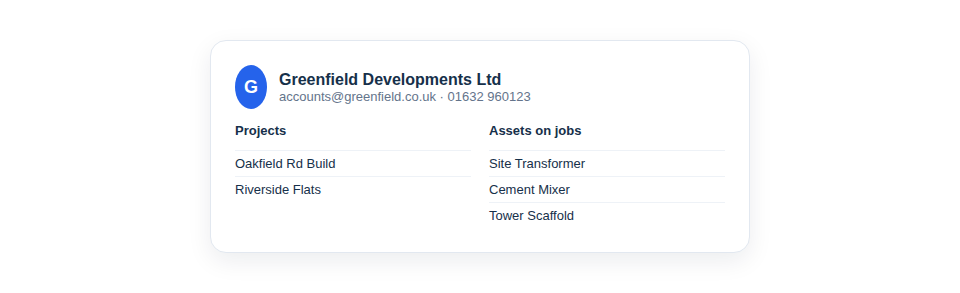
Your customers, joined up with your kit
A client record pulls together the information you currently keep scattered:
- Contacts — the names, roles, emails and phone numbers you actually deal with, kept against the client rather than in a phone or an inbox.
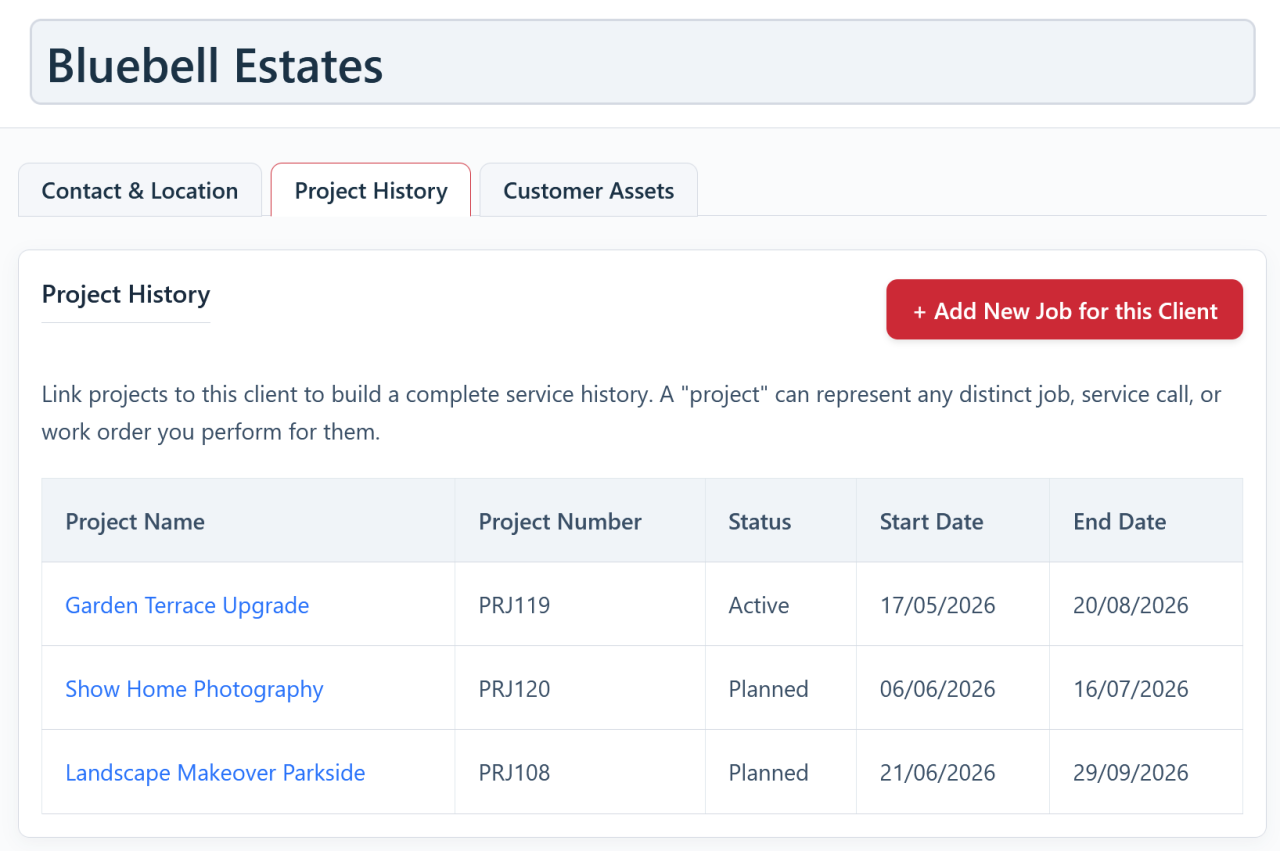
- Their projects — every job you’ve done or are doing for them, linked to the client so the relationship is visible at a glance.
- Their assets — equipment installed at, or assigned to, that customer, so you always know what’s where.
A QR code your customers can scan
The link between a client and their kit doesn’t have to stop at your own team. Asset Giant can generate public QR codes to go on the equipment you install or maintain at a customer’s premises — a boiler, a pump, an alarm panel — so that anyone who scans one lands on a public page you control rather than on your private inventory. A “scan this boiler for service” sticker on the unit turns a forgotten serial number into a direct line back to you.
It’s quiet marketing and after-care in one. The customer, or the next engineer to attend, scans the code and sees exactly what you choose to show — what the item is, who installed it, and how to book a service — while the rest of your records stay private. See Client-Facing & Marketing QR Codes for putting client-facing codes to work, and Public vs. Private QR Codes: What’s the Difference? for how public and private codes differ.
Built for businesses that serve customers
If you install or maintain equipment for clients, this is where a lot of quiet value sits. The everyday questions that used to mean digging — “what did we fit for Mrs Patterson?”, “what’s out with this client at the moment?”, “who’s the right contact for this job?” — become instant lookups. That speed makes you look organised and responsive to customers, and it makes follow-up work, recovery of hired kit, and end-of-job reconciliation far simpler.
In practice:
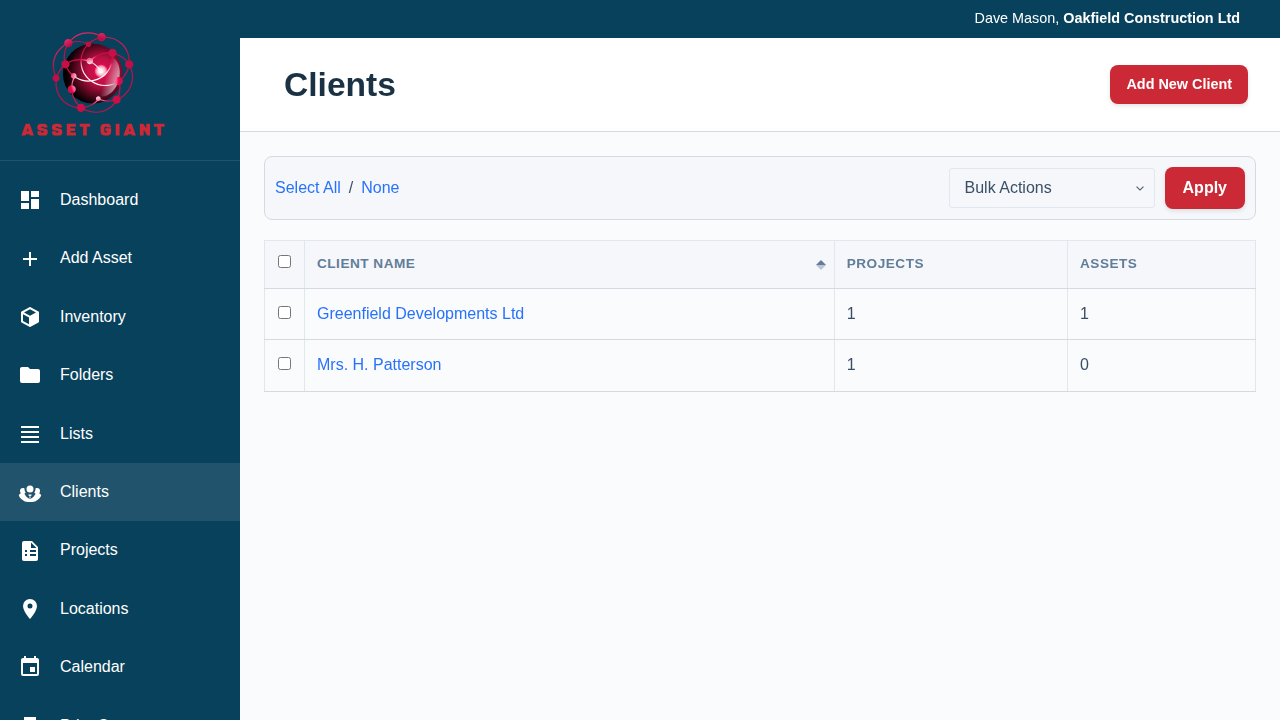
- Add your clients, with their key contacts.
- Link projects and assets to the relevant client as work happens.
- Open a client at any time to see their contacts, their jobs and their equipment in one place.
Best Practice: Capture at least one good contact and a phone number when you create a client. It’s the detail you’ll reach for most often, and it saves hunting through emails when you need to call.
For the full guide, see How to Add and Manage Clients.