
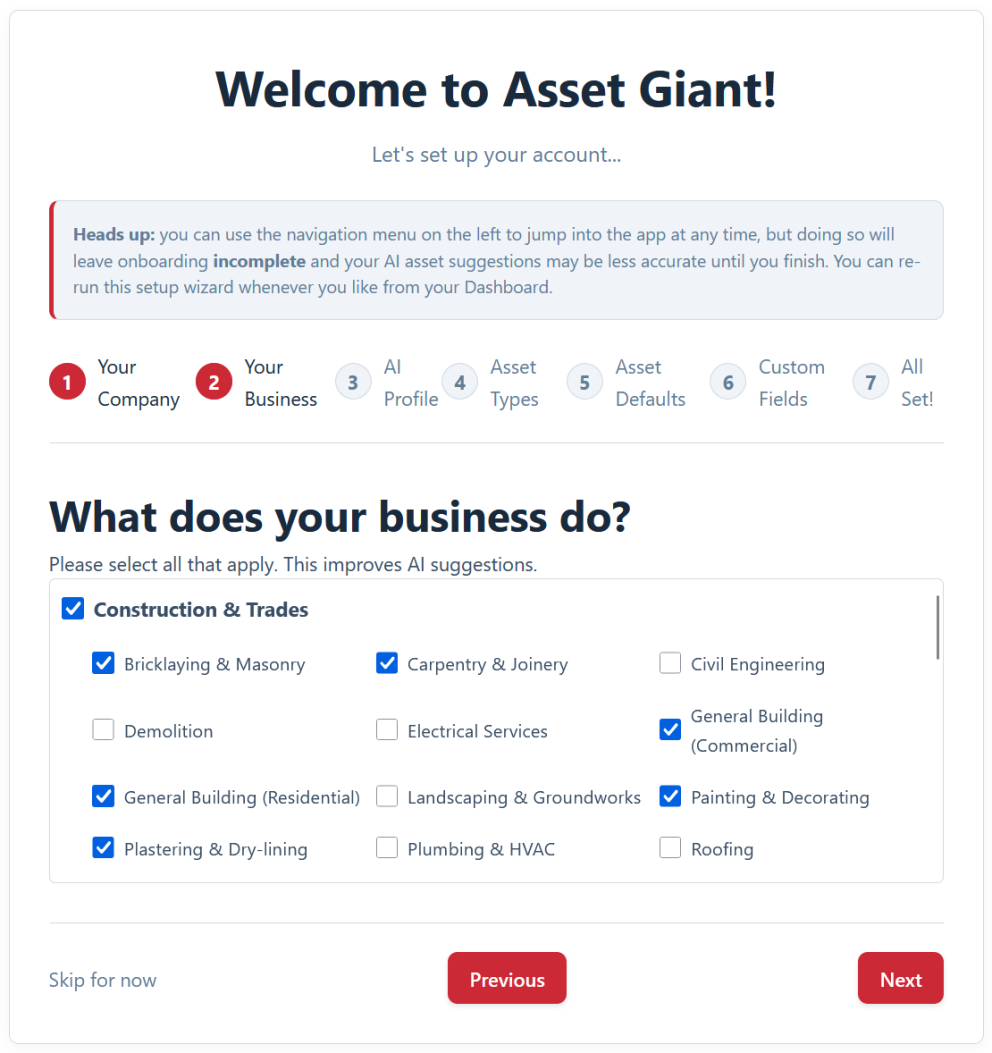
A short onboarding wizard asks a few questions about your business and sets everything up for you — so you’re adding your first asset within minutes, not facing a blank slate.

A gentle on-ramp
The wizard is built to get you to “useful” as quickly as possible:
- A few simple questions. It asks about your business and how you work, not for a long list of technical decisions.
- Sensible defaults applied for you. Rather than confronting you with empty settings, it sets up a working configuration you can refine later.
- AI tuning baked in. What you tell the wizard about your trade makes the AI’s suggestions noticeably more accurate from your very first photo.
Always there when you need it
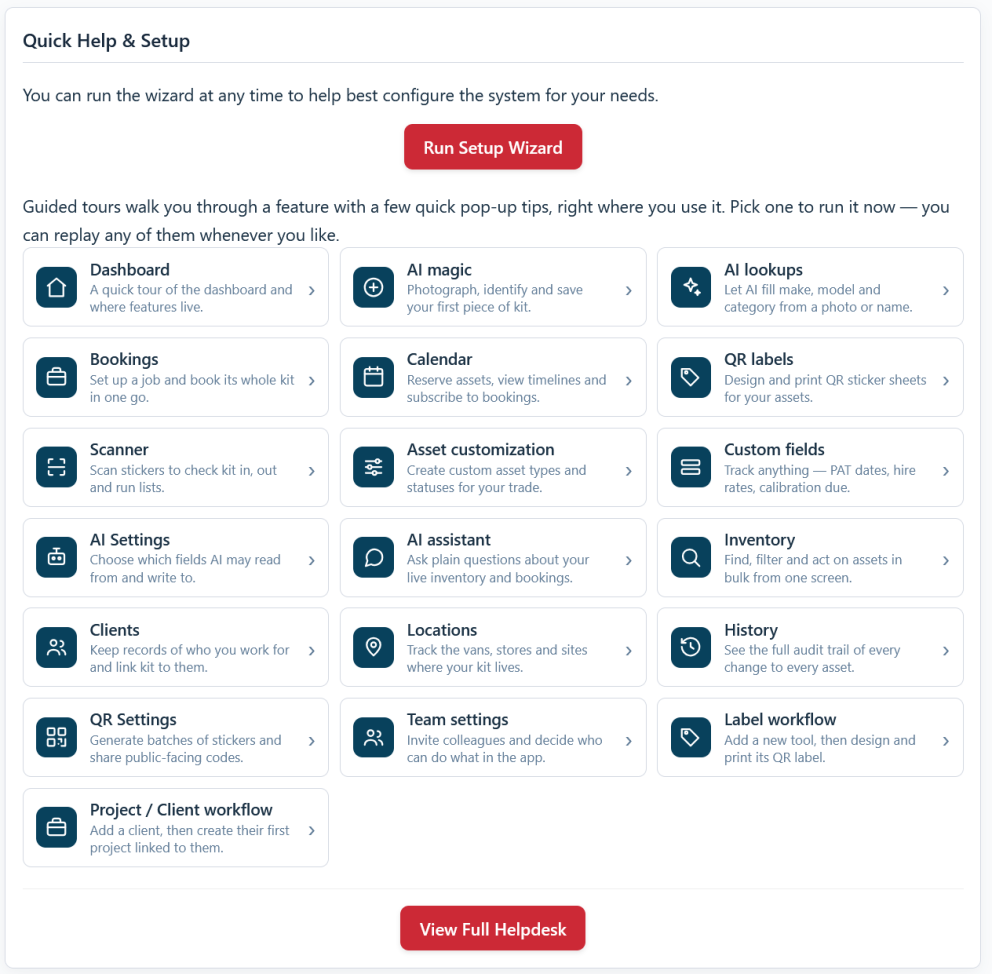
Crucially, the wizard isn’t a one-shot gate you have to get perfect on day one. You can re-run it from your dashboard whenever you like — after taking on a new line of work, say — and every setting it touches can also be adjusted individually in settings as your needs grow. So the initial run gets you moving fast, and nothing it does is locked in. From there, the app’s built-in guided tours take over — pointing out each key feature in context as you reach it, so you keep learning as you go. See Guided Tours: Get Your Team Productive in Minutes.
In practice, getting started looks like this:
- Run the wizard when you first sign in.
- Answer its few questions about your business.
- Start adding assets straight away, with the AI already tuned to your trade.
- Refine any details later in settings, or re-run the wizard if things change.
Best Practice: Give the business-description step a moment’s thought rather than rushing it. A clear, specific answer there is what makes the AI’s suggestions genuinely useful from the outset.
For more, see Get Set Up in Minutes with the Setup Wizard and the quick-start checklist in Welcome to Asset Giant: What to Do First.