
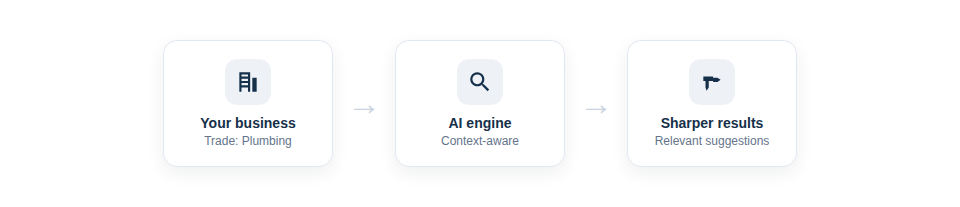
Generic AI gives generic answers. Asset Giant primes the AI with your trade and company profile, so its suggestions lean towards the equipment you actually own from the very first photo you take.
A quick setup that pays off forever
During the short setup wizard, you tell Asset Giant a little about your business — the trade you’re in and a sentence or two about what you do. From then on, that context quietly improves every AI-assisted entry:
- More likely categories. When the AI recognises an item, it leans towards the categories that make sense for your trade rather than the general population of tools.
- Better interpretation of ambiguous items. A piece of kit that could be several things is read the way your industry would read it.
- Sustained relevance. As you add more of the equipment you really use, the suggestions stay aligned with your world rather than drifting towards generic defaults.
Set once, benefit on every lookup
The beauty of this is that it’s effectively free after a one-time setup. You’re not training a model or tagging examples — you’re simply giving the system the same context you’d give a new employee on their first morning (“we’re a groundworks firm, here’s the sort of kit we run”). And if your business evolves, you can refine the description at any time in your company profile, with the AI picking up the change immediately.
In practice:
- Set your trade and a short business description in the setup wizard, or later in your company profile.
- Use the AI to identify items as normal — its suggestions are now shaped by that context.
- Update the description whenever your focus shifts, and the AI adjusts straight away.
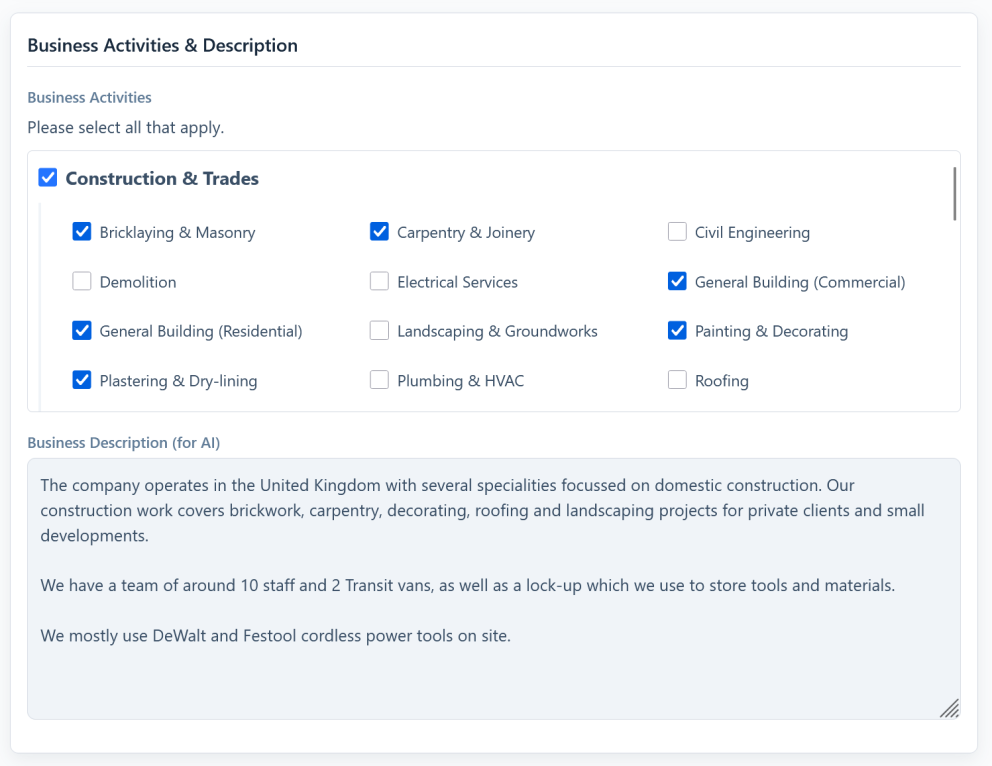
Best Practice: Be specific in your business description. “Commercial gas and heating engineers” guides the AI far better than “building services”, because the extra detail rules out a lot of irrelevant possibilities.
Set it up via Get Set Up in Minutes with the Setup Wizard, or refine it later through Managing Your Company Profile and Addresses.