
Identifying an asset from a photo is one of the fastest ways to build an inventory: point your phone at a tool, snap a photo, and Asset Giant suggests what it is so you can catalogue it in seconds. But the quality of those suggestions depends almost entirely on the quality of the photo you feed it. A blurry shot of a cluttered bench in poor light leaves the AI guessing, which means more corrections and slower going.
The good news is that getting accurate suggestions is mostly about a handful of easy habits. Get the lighting, framing and detail right and the AI does the heavy lifting, leaving you to glance, confirm and move on. This guide walks through exactly how to take photos that make AI image identification work hard for you.
Why good photos matter
It helps to be honest about how the tool works. The AI looks at your photo and suggests a name, category and details. You stay in control and confirm or adjust before anything is saved. It is a clever assistant, not an infallible oracle. That means the better the photo, the more accurate the suggestion, and the fewer edits you have to make afterwards.
Think of it as the difference between handing someone a clear, well-lit photo of a tool versus a dark, side-on snap with three other items in shot. One gets you a confident answer; the other gets you a shrug.
Light it well
Lighting is the single biggest factor. Natural, even light gives the AI the most to work with.
- Shoot in good light wherever possible, such as near a window, in the open, or under bright work lights.
- Avoid harsh shadows falling across the item, as they can hide shape and detail.
- Watch for glare on metal, screens and glossy plastic. A bright reflection can wipe out the exact detail the AI needs, especially on nameplates.
- If you get glare, change your angle slightly or move the light source rather than shooting straight into the reflection.
Frame one item at a time
The AI gives its best answer when it knows what it is looking at. A photo of a single tool beats a photo of a full shelf every time.
- Photograph one asset per shot when you want a confident, specific suggestion.
- Fill the frame with the item so it is the clear subject, not a small detail in a busy scene.
- Keep the whole item in view, including the parts that make it recognisable, such as the head of a tool or the body of a machine.
- If you have a workshop bench full of tools, it is faster overall to snap them one by one than to shoot the pile and untangle the results later.
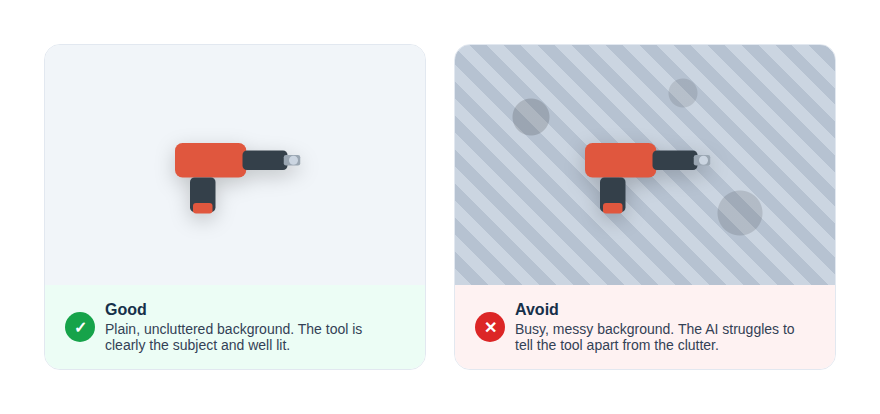
Use a clean, plain background
Clutter confuses. A simple backdrop helps the AI separate the item from everything around it.
- Set the item on a plain surface where you can, such as a clear bench, the floor, or a neutral wall behind it.
- Move competing objects out of shot so there is no doubt about the subject.
- Avoid busy backgrounds like a wall of pegboard tools, which can pull the AI’s attention away from the item in front.
Get the label, nameplate or serial in shot
This is where you turn a good suggestion into a great catalogue entry. Most plant, power tools and equipment carry a nameplate or sticker with the make, model and serial number. Capturing that detail clearly helps the AI pin down exactly what the item is.
- Take a clear, square-on photo of the nameplate or serial plate, close enough to read the text.
- Make sure the text is sharp and in focus before you snap, as small print is the first thing to blur.
- Beat glare on shiny metal plates by angling slightly off-centre so the light does not bounce straight back.
- For a piece of plant, one photo of the whole machine plus one of the nameplate gives the AI both the shape and the specifics.
Logged. ✓ Logged in seconds
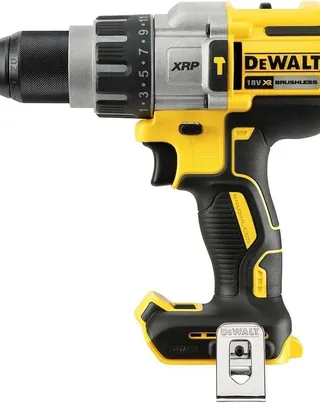
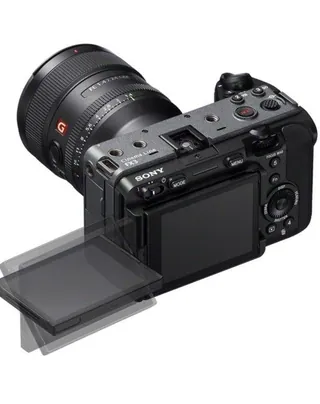
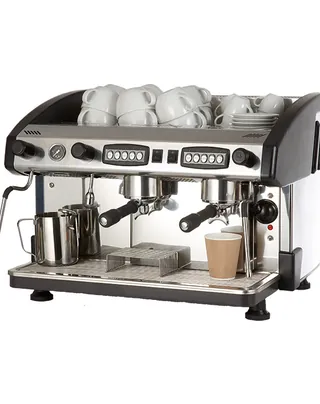
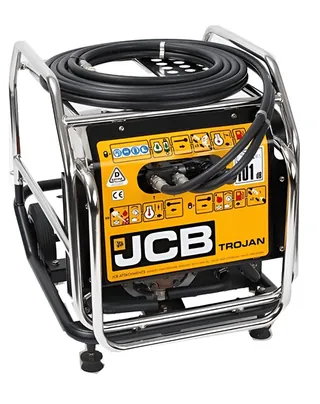
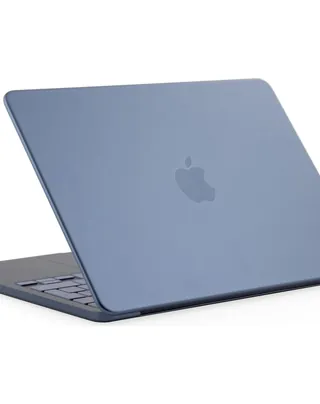
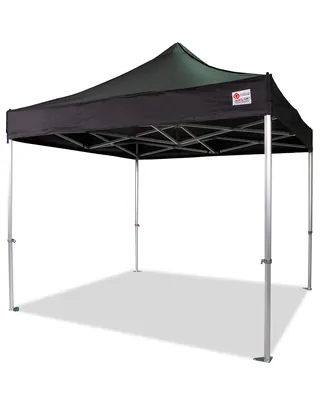
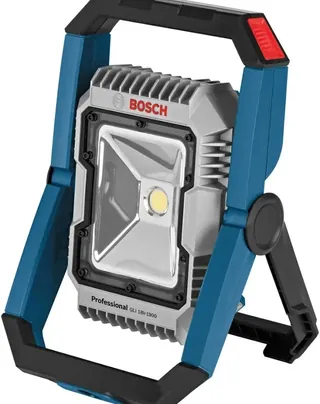
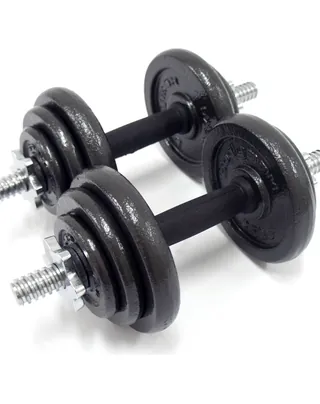
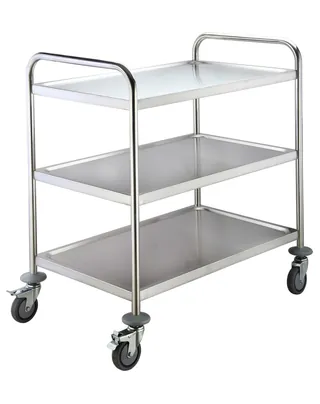
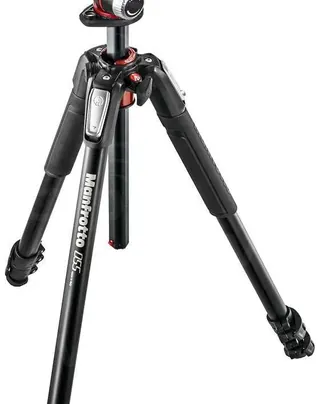
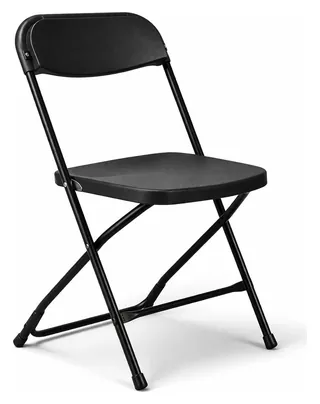 Cordless Drill
Cinema Camera
Coffee Machine
Portable Generator
Laptop
Pop-up Gazebo
LED Floodlight
Dumbbells
Service Trolley
Camera Tripod
Folding Chair
DeWalt · 18V
Sony · Full-frame
NC2 · Two-group
JCB · Petrol
Apple · 14-inch
Canopro · 3x3m
Bosch · 18V
BodyMax · 20kg
Adexa · 3-tier
Manfrotto · Alu
Samsonite · 80cm
Cordless Drill
Cinema Camera
Coffee Machine
Portable Generator
Laptop
Pop-up Gazebo
LED Floodlight
Dumbbells
Service Trolley
Camera Tripod
Folding Chair
DeWalt · 18V
Sony · Full-frame
NC2 · Two-group
JCB · Petrol
Apple · 14-inch
Canopro · 3x3m
Bosch · 18V
BodyMax · 20kg
Adexa · 3-tier
Manfrotto · Alu
Samsonite · 80cm
Steady the shot
A sharp photo always beats a fast one.
- Hold the phone still and let the camera focus before you tap.
- Tap the item on screen to focus if your phone supports it, so the subject is crisp rather than the background.
- Retake anything that comes out blurry. A two-second redo saves a manual correction later.
Snap, confirm, move on
Put these habits together and the whole job becomes genuinely quick. Good light, one item, a plain background and the nameplate in shot mean the AI offers an accurate suggestion you can confirm at a glance, then catalogue the next item. It is exactly this rhythm that lets people build a full van inventory in an afternoon rather than over a fortnight of evenings.
Once your assets are catalogued, the detail you captured keeps paying off. You can ask the AI chatbot questions about your inventory, print your own QR labels, and find anything in seconds. You can see the wider toolkit on the features page.
The best part is you can try it without spending a penny. The Free Forever plan lets you start cataloguing today, so grab your phone, find some good light, and let AI image identification do the typing for you.