
A tool is one thing. You have one drill, and the number is 1. Consumables are where inventory systems quietly fall over: a system that can only say “24” of something is no use to the person standing in front of the rack, because twenty-four what? Sheets? Packs? Pallets? Get that wrong and consumables tracking turns into a second job that nobody does.
Twenty-two units, and then whatever you like
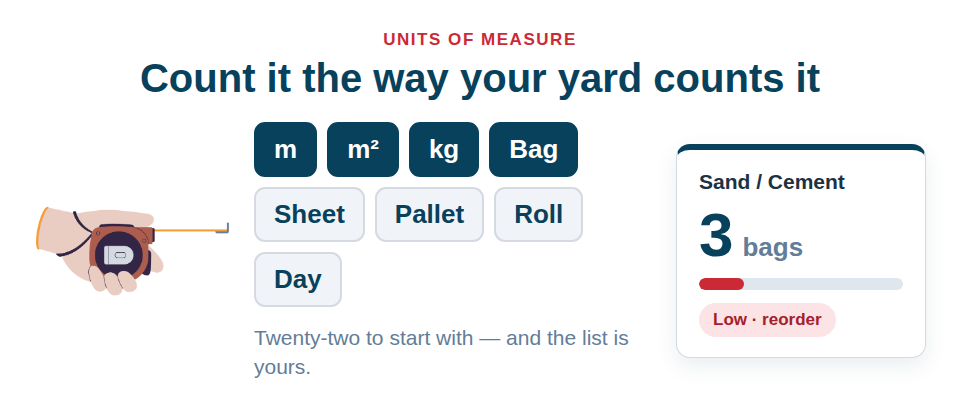
Every asset carries a quantity and a unit of measure. Out of the box the list covers the ones a trades or production business actually uses:
- Counting: Units, Each, Pack, Box, Roll, Tube, Pair, Set
- Length, area, volume: mm, m, m², l, m³
- Weight: kg, t
- Bulk: Bag, Jumbo Bag, Pallet, Sheet, Length
- Time: Hour, Day, Week
The list is yours. Add, rename, reorder and delete units under Settings → Preferences, exactly like custom statuses. The first unit in your list is what a new asset starts with — reorder the list to change it, rather than keeping a second “default” setting that drifts out of sync with the first.
There are no US units in the starting set, on the reasonable grounds that most of our customers do not use them. If you need feet or pounds, add them in one click.
Why time units are in there
Hour, Day and Week look odd in an inventory list until you notice that a media company hires by the day and a subcontractor bills by the hour. Having them in the same vocabulary means the unit on an asset lines up with the unit on a hire line and with the booking calendar, instead of three systems each with their own idea of a “day”.
Quantity does real work
Quantity is not decoration. It feeds four things:
- The booking calendar. If you hold 10 harnesses, up to 10 can be reserved across overlapping jobs before the item shows as fully booked. You never get wrongly blocked from booking the eighth of ten.
- QR labels. Quantity and unit print on the label, so what is on the shelf matches what is on the sticker.
- The AI lookup. It is offered as context, so suggestions come back sensible.
- Import and export. Both columns travel in each direction, with an alias table so “kgs”, “litres” and “metres” all resolve.
An unrecognised unit is never silently rewritten
This is the rule worth knowing about. If an imported or legacy value is not in your list, the form shows it as “Jumbo Bag (not in your list)” and saving leaves it exactly as it is. An alias only ever resolves onto a unit you actually hold — delete m² and an imported “sq m” is reported as a miss rather than coerced into something else.
Import applies the same rule: a cell reading “2 x 5m” is rejected with an explanation rather than imported as a quantity of 25.
Where to start
Do not unit-ify everything on day one. Start with the things that stop a job when they run out: fixings, cable, sealant, membrane, ballast, PPE. Give each a real quantity and the unit your yard actually says out loud. Then the low-stock picture on your dashboard means something, and the next van load gets loaded once.
Setting quantity and unit on an asset is covered in Set an Asset’s Type, Status and Quantity, and the wider consumables picture in Track Quantities & Consumables.
Start free and count your stock in the units you already use.